

On this page 9 sections
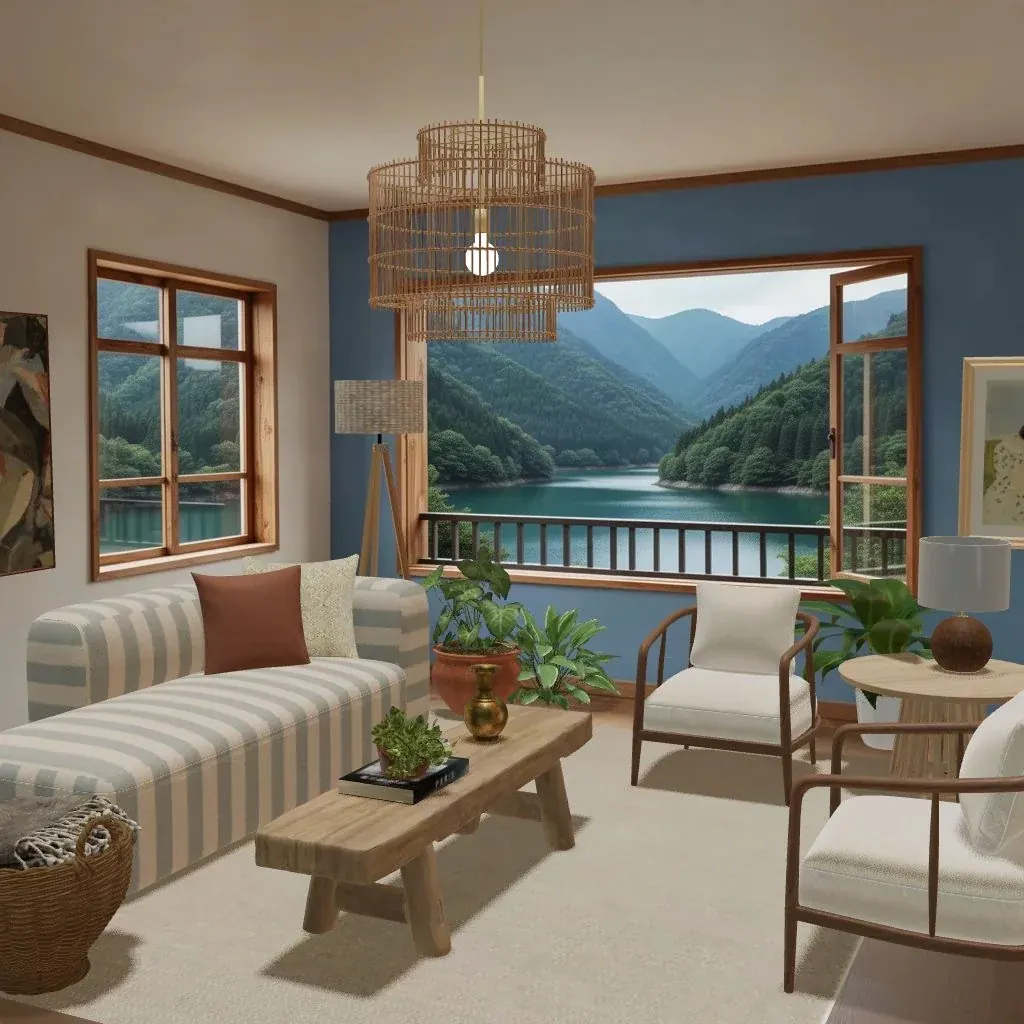
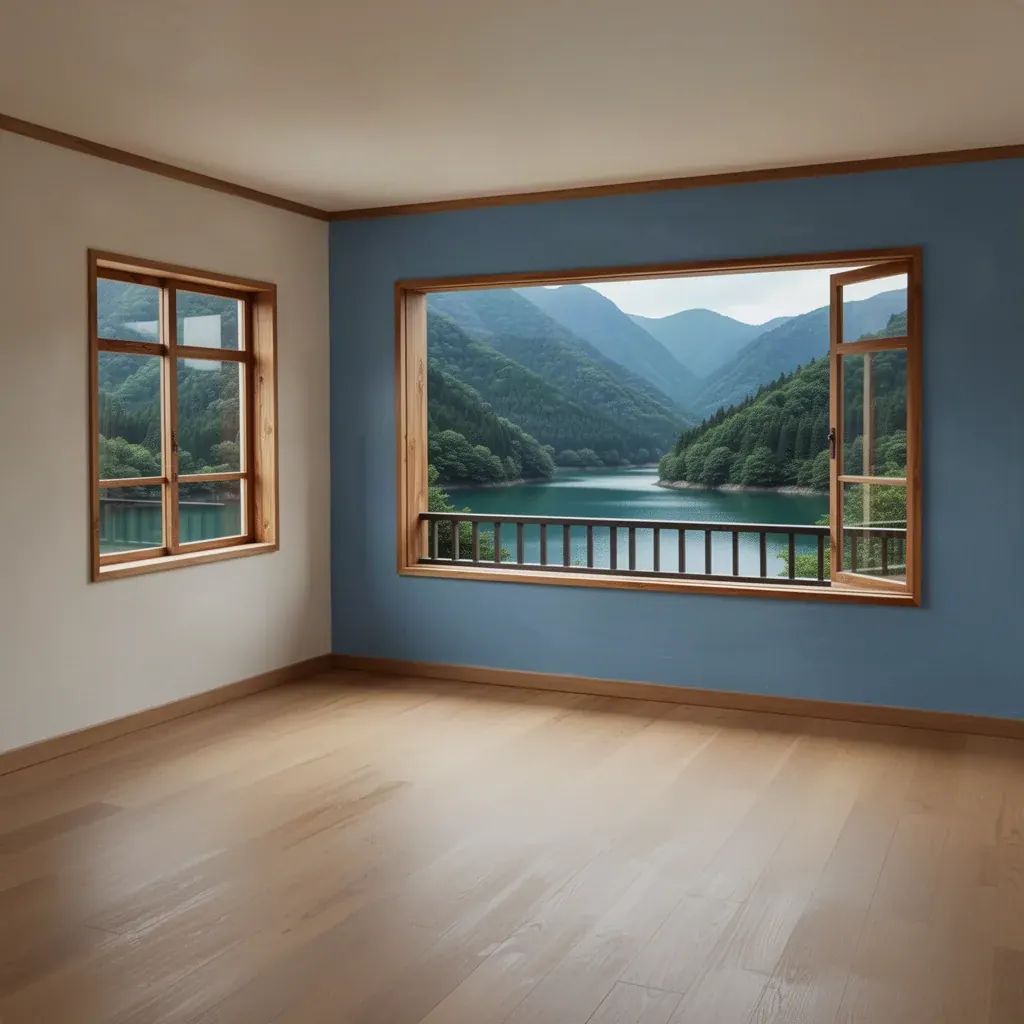
Cozee is a free interior design game for iPhone and Android. Every round starts with an empty 3D room, called a Space. You fill it with real furniture, submit it, and other players rate it from one to five stars. About a day later your design earns Bronze, Silver or Gold, plus rewards that help you level up and unlock more. This guide walks through everything a new player needs to know, in the order you’ll meet it.
Step 1: pick a Space
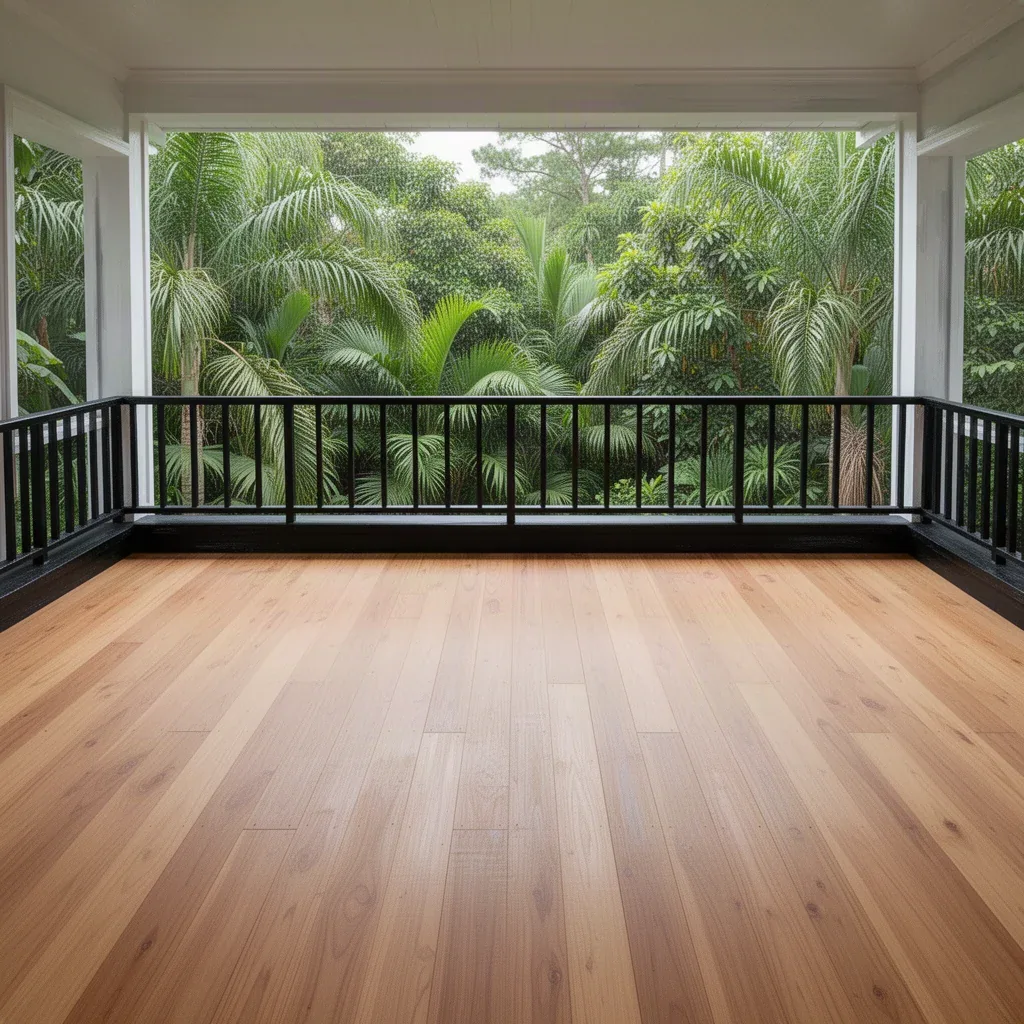
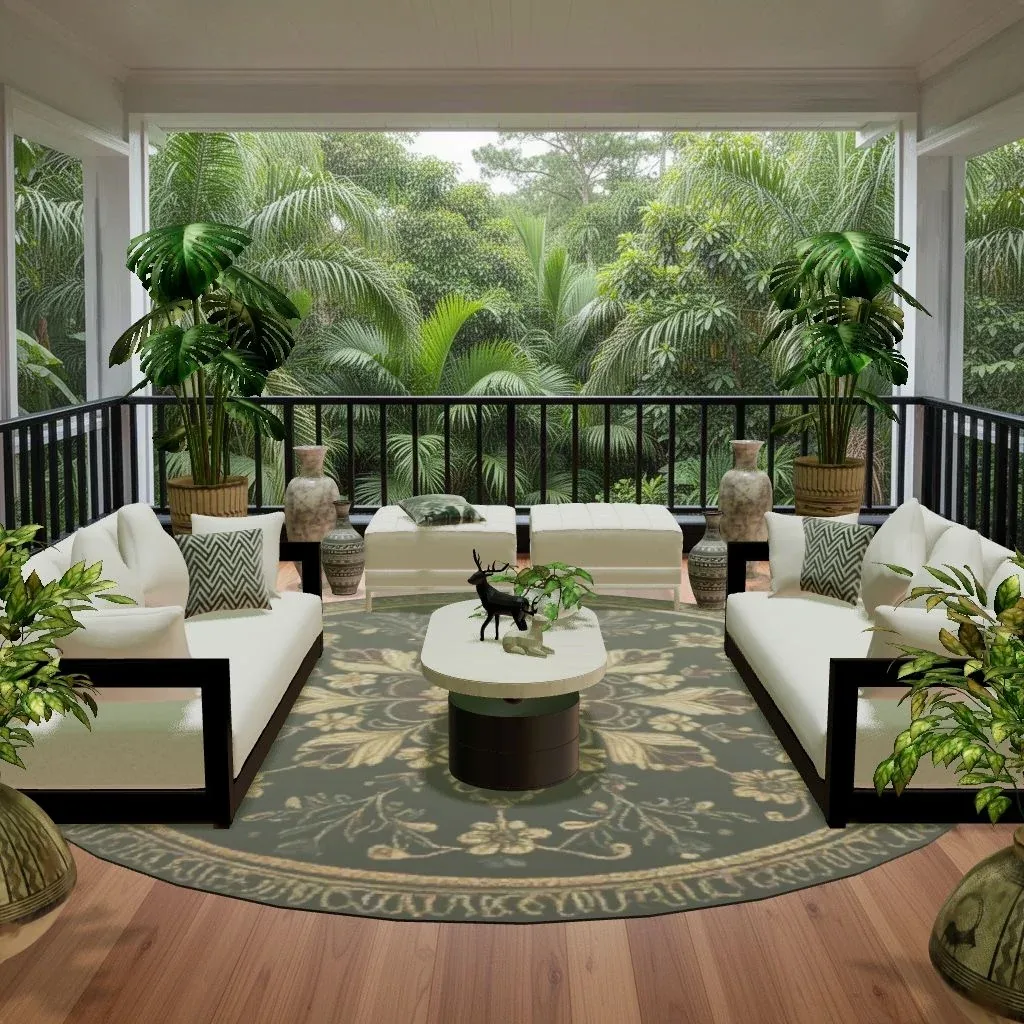
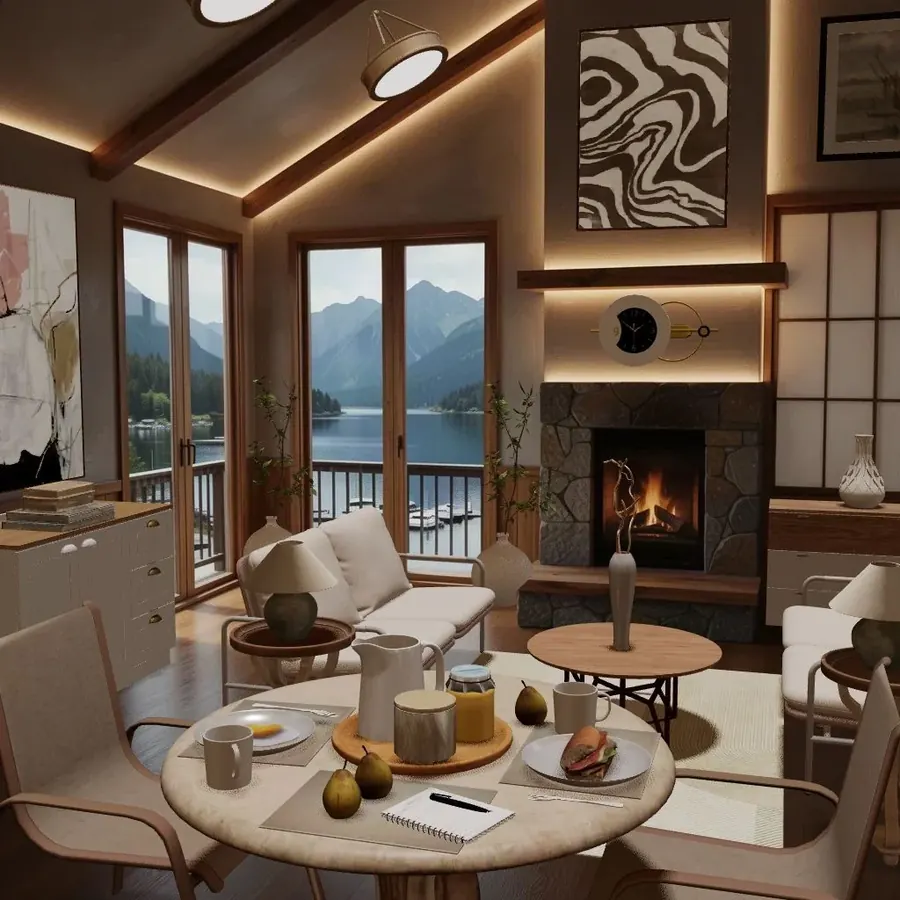
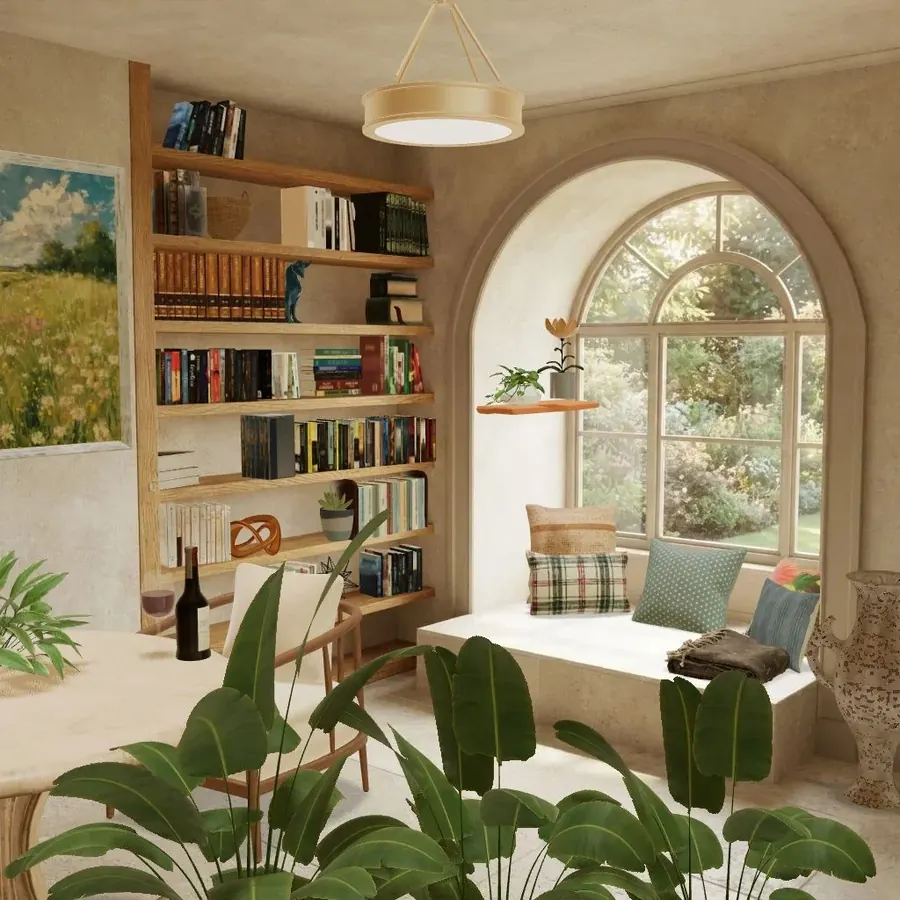
A Space is an empty room waiting to be designed: a lakeside living room, a café, a jungle balcony, a reading nook, even a cellar under a château. Some are made by the Cozee team and others by players. New Spaces arrive all the time, and some open up only once you reach a higher level.
When you’re choosing, look at three things:
- The view and the light. A big window or a dramatic view is a gift. It gives your room a focal point before you place a single piece.
- The title. Many Spaces have a mood in their name. “A Quiet Chapter” is asking for a reading nook, not a party room. Leaning into the story usually pays off with voters.
- What you feel like designing today. There are no timers in Cozee, so pick something that sounds fun.
You can also follow a Story: chapters of Spaces laid out on a map on your Visionboard. Design each room to complete the Story and claim its reward.
Step 2: furnish it
Open the catalog and drag pieces into the room, then move and rotate them until they sit right. The catalog is real 3D furniture and decor: sofas, rugs, lamps, plants, art, even a pug.
How coins and uses work
You buy pieces with coins, and each purchase gives you 5 uses. A use is spent only when you submit a design that includes that piece. That means:
- You can experiment freely. Place a sofa, hate it, remove it: no use is spent.
- Pieces you love and use often are worth buying, because they last five designs.
- Before you submit, take out anything that isn’t pulling its weight. It saves a use and usually makes the room look better too.
Tools that unlock later
At level 5 you unlock the pro editor tools: resize, tilt, swap, mirror and material options. Until then, work with the pieces as they come. That’s a good habit anyway, because it pushes you to choose the right piece instead of stretching the wrong one. There’s also the Sofa Workshop, where you can build a custom sofa of your own and use it in your designs.
If you’re new to arranging rooms, our guide on how to furnish an empty room, step by step covers the order designers work in: focal point, rug, the anchor piece, then lighting, textiles and plants.
Step 3: submit
When the room feels right, submit it. Your first design in a Space earns coins and XP straight away. You can design the same Space again later, and repeat designs earn XP. If a later design in that Space beats your best medal there, you also get the medal rewards you hadn’t earned yet.
Step 4: vote on other rooms
While you wait for your results, vote. You’re shown five designs at a time, usually from the same Space, and you rate each one from one to five stars. Every round of voting earns coins and XP, and your first rounds each day earn double.
Voting is also the fastest way to get better. Seeing five takes on the same empty room side by side shows you, very quickly, what makes one design stand out. Read more in how voting works in Cozee.
Step 5: claim your medal
About a day after you submit, once enough players have rated your design, it gets its medal. You’ll get a notification when the results are ready, and the rewards wait in the app until you tap to claim them, so you never miss one.
- Bronze: you took part and earned rewards.
- Silver: players really liked your design.
- Gold: players loved it.
Very high and very low single ratings are softened, so one harsh vote (or one over-the-top one) can’t decide your medal on its own. Our guide on how to win Gold has practical design tips for climbing from Bronze to Gold.
Levels, tasks and daily gifts
Almost everything you do earns XP: designing, voting, medals and tasks. Each level brings a reward and can unlock new Spaces, new furniture and new tools.
- Designer Tasks are achievements grouped into three chapters: The Intern, The Freelancer and Studio Partner. Some track your progress over time; others are creative challenges for a single design, like using only glass or gold items.
- Daily gifts: open Cozee each day to collect one. New players get a special seven-day welcome series.
- The Design Pass: a new pass every month with its own theme, which unlocks with your 5th design. You fill it with Design Points from things you already do. See the Design Pass, explained.
What coins, diamonds and tokens are for
| Currency | How you get it | What it’s for |
|---|---|---|
| Coins | Designing, voting, medals and levels | Buying furniture |
| Diamonds | The premium currency | Trading for coins or tokens, Design Pass levels and profile styles |
| Space tokens | Rewards | Publishing your own Space for the community |
Purchases are optional. You earn rewards almost everywhere in the game.
Your first week: a simple routine
- Open the app daily for your gift, and do your first voting rounds while they earn double.
- Design one Space a day that you genuinely like the look of. Quality beats quantity.
- Look at the feed after you submit: see how other players designed the same Space. It’s the best free design lesson there is.
- Follow a few designers whose taste you love, so their new rooms show up first.
- Try a Designer Task challenge when you feel stuck. Constraints are great for creativity.
Once you’ve found your feet, you can even create your own Space for everyone else to design. And if you’re not sure which look you’re drawn to, the design style quiz takes about a minute.
Be a good neighbor
Cozee works because the community is kind. Vote on the design, not the designer; no vote trading and no rating your own alternate accounts; one player, one account. If someone bothers you, block them: they disappear from your feed, your voting and your Spaces, and you from theirs. The full community guidelines are short and worth a read.
Questions people ask
Is Cozee free?
Yes. Cozee is free to download and play on iPhone and Android. Coin and diamond packs, special offers, the premium Design Pass and profile styles are optional purchases; you never have to buy anything to design.
Do I need to know anything about interior design to play?
No. The controls are simple drag and drop, your first rooms walk you through the basics, and new tools unlock as you level up. If you enjoy beautiful rooms, you’ll feel at home.
Why does a piece of furniture say it has uses left?
Buying a piece in the catalog gives you 5 uses. A use is only spent when you submit a design that includes that piece, so you can place it, move it and take it out again as often as you like while you design.
How do I keep my progress if I change phones?
Sign in with an account so your designs and rewards are saved. If you play without one, your progress may be lost if you delete the app.
Try it in an empty room first
Cozee is a free interior design game for iPhone and Android. Pick an empty 3D room, fill it with real furniture, and see what the community thinks.
4.7 on the App Store · Free, with optional in‑app purchases