

On this page 8 sections
At level 5, Cozee unlocks the pro editor tools: resize, tilt, swap, mirror and material options. Until then you place, move and rotate pieces as they come; from level 5 you can fine-tune them. Used well, they solve the little problems that make a room look slightly off: a sofa a touch too long for its wall, a chaise pointing the wrong way, a wood tone that clashes with the floor. Used badly, they produce giant lamps and miniature beds. Below is what each tool does, when it helps a design, and the real-world sizes to keep in mind so your edits stay believable.
Before you start: the right piece beats the stretched piece
The pro tools are for fine-tuning. If a piece needs to be twice its size or a completely different color to work, there’s probably a better piece in the catalog. Pick the closest match first, then adjust. Voters notice when proportions feel wrong even if they can’t say why, and a room of slightly distorted pieces reads as “off”.
Resize: make pieces fit the room
Resizing lets you make a piece bigger or smaller.
When it helps:
- Fitting a sofa to its wall. A sofa looks best at about two-thirds of the wall’s length, with room at each end for a side table or lamp.
- Sizing a rug to the seating. In a living room, at least the front legs of the sofa and chairs should sit on the rug. If a rug you love is a little small, resizing it up can save the room; see what size rug do I need?
- Balancing a coffee table. About two-thirds the length of the sofa looks right, set about 40–45 cm (16–18 in) in front of it.
- Scaling art. Art over a sofa usually looks best at about two-thirds of the sofa’s width. Our guide on how to hang art has more.
- Plants and decor. Shrinking a floor plant to sit on a shelf, or growing a small one into a corner statement, can fill a gap neatly.
Keep it believable. Some sizes people know by instinct, and they’re the first thing voters notice when they’re off:
| Piece | Real-world size |
|---|---|
| Sofa seat height | 43–48 cm (17–19 in) |
| Dining table height | 73–76 cm (29–30 in) |
| Dining chair seat height | 45–48 cm (18–19 in) |
| Coffee table height | 40–50 cm (16–20 in), about level with the sofa seat |
| Bedside table height | Within about 5 cm (2 in) of the mattress top |
| Door height (for reference) | About 200–210 cm (79–83 in) |
If a resized piece breaks one of these, it will look wrong next to everything else.
Tilt: a relaxed, natural angle
Tilt lets you angle a piece.
When it helps:
- Art leaning on a shelf or the floor. A large print propped against the wall, slightly tilted back, is a classic relaxed styling move.
- Books, trays and small objects. A book leaning against others, or a tray resting at an angle, looks lived-in rather than lined up.
- Mirrors leaning on a wall, a popular look in bedrooms and hallways.
Use tilt sparingly. One or two casual angles make a room feel natural; a whole room of tilted things looks like it’s sliding.
Swap: try alternatives in place
Swap lets you replace a piece without starting its placement over.
When it helps:
- Testing alternatives. You’ve placed the perfect arrangement, but you’re not sure about the armchair. Swap in two or three options and compare them in the same spot, with the same light and the same view.
- Late edits. When the room is nearly done and one piece is the weak link, swapping it is quicker than rebuilding around a new one.
Remember the 5-uses rule: a furniture use is only spent when you submit a design that includes the piece, so testing alternatives costs nothing. Only what’s in the room when you submit counts. More in coins, diamonds and Space tokens explained.
Mirror: symmetry and the other side of the room
Mirroring flips a piece left to right. Many pieces look the same either way, but asymmetric ones don’t: a chaise sofa, a corner unit, an armchair angled one way, a desk with drawers on one side, a lamp with an arm.
When it helps:
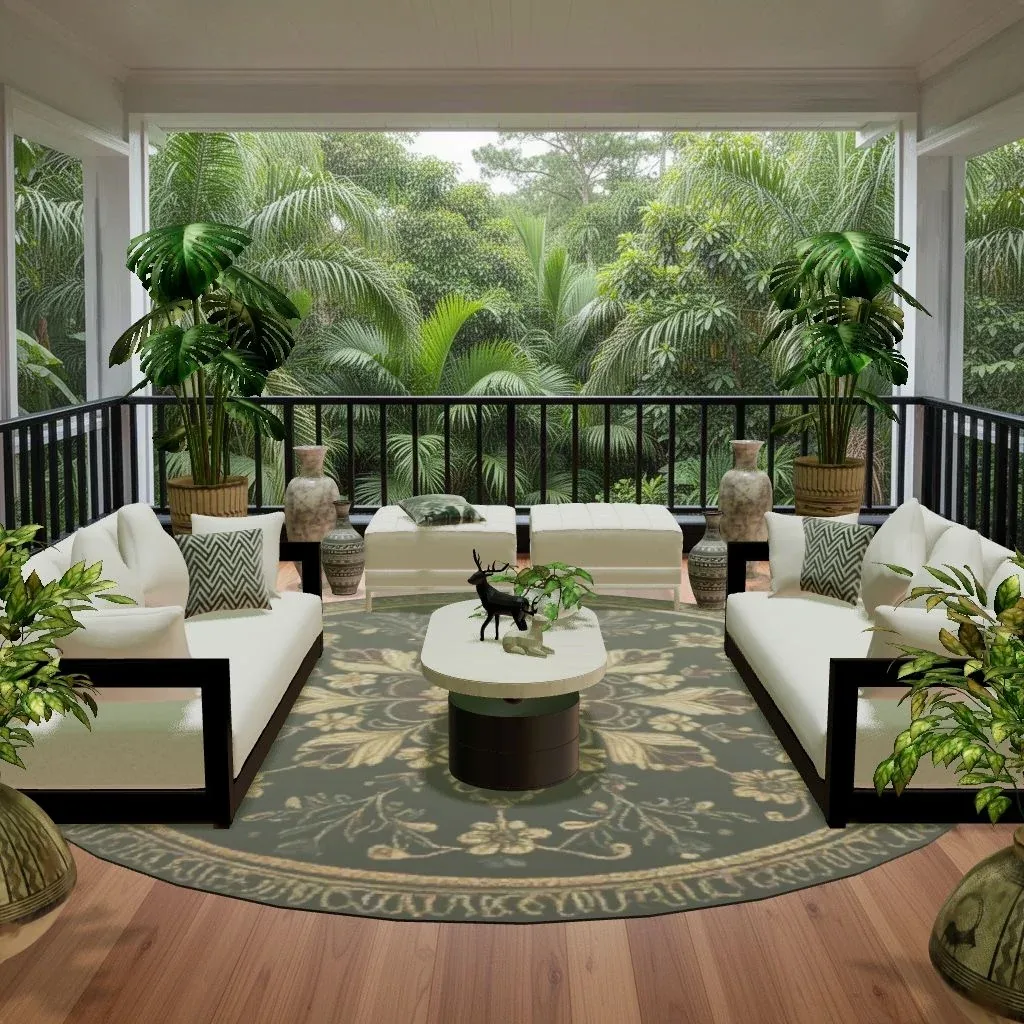
- Matching pairs. Two chairs angled toward a fireplace, two chaises facing each other, or a pair of lamps whose arms reach in toward the bed. Mirror one and the pair becomes symmetrical.
- Fitting the room. A chaise sofa that points into a wall can be flipped to point into the room.
- Formal balance. Symmetry reads as calm and classic. It’s the backbone of traditional, glam and many Japandi rooms.
Material options: match a palette
Material options let you choose another material or finish for a piece; many pieces have them, though not every one.
When it helps:
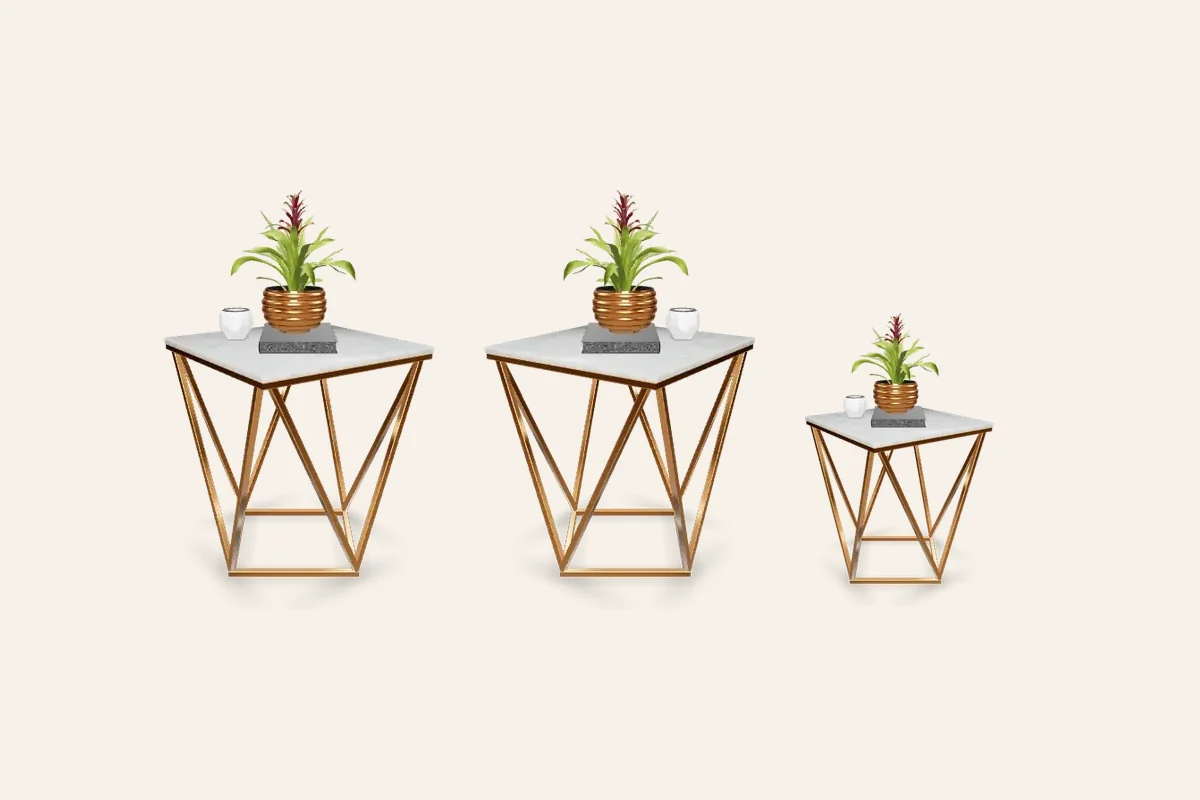
- Repeating a wood tone. Rooms look calmer when wood tones are related: either all similar, or a clear contrast of light and dark. Our guide to materials and textures explains how to mix them.
- Pulling an accent color through the room. Repeat it at least three times, such as a cushion, a chair and a vase, so it reads as a decision.
- Fitting a style. Matte black metal for industrial, light oak for Scandinavian, brass for glam, rattan and linen for coastal. If you’re unsure what a style uses, the style guides list the key materials for each.
A pro-tools workflow for any room
- Place everything as it comes. Get the layout right first: focal point, rug, anchor piece, seating.
- Swap the weak links. Compare alternatives in place.
- Mirror for balance. Flip asymmetric pieces so pairs face each other or fit their side of the room.
- Resize to fit. Sofa to wall, rug to seating, coffee table to sofa.
- Set materials. Match finishes to the palette.
- Tilt for life. One or two relaxed angles at the very end.
- Step back. Look at the whole room the way a voter would.
Try it in Cozee
Once you reach level 5, go back to a Space you’ve already designed and try the workflow above on it. Swap the piece you were least sure about, mirror anything that faces the wrong way, resize the rug so the seating sits on it, and match the finishes to the floor. Compare the result with your first design. Repeat designs in a Space earn XP, and if the new one beats your best medal there, you collect the extra medal rewards you hadn’t earned yet.
New to the game? The beginner’s guide covers how levels work.
Questions people ask
How do I resize furniture in Cozee?
Resizing is one of the pro editor tools that unlock at level 5. After that you can resize, tilt, swap and mirror pieces and change material options while you design.
What level do you need for pro tools in Cozee?
Level 5. You earn XP from designing, voting, medals and Designer Tasks, and reaching level 5 unlocks resize, tilt, swap, mirror and material options in the editor.
Does resizing furniture help you win Gold?
It can, when it makes a piece fit the room more believably, such as a sofa sized to its wall or a rug big enough for the seating. Pieces stretched far beyond a natural size usually look wrong to voters, so use it to fine-tune rather than to force the wrong piece in.
What does mirroring furniture do?
Mirroring flips a piece left to right. It’s useful for asymmetric pieces such as a chaise sofa, a corner unit or a chair angled one way, so a pair can face each other or a piece can fit the other side of the room.
Try it in an empty room first
Cozee is a free interior design game for iPhone and Android. Pick an empty 3D room, fill it with real furniture, and see what the community thinks.
4.7 on the App Store · Free, with optional in‑app purchases