

On this page 6 sections
If your favorite part of The Sims is Build Mode, you’re in good company: plenty of players spend hours laying out walls, matching wallpapers and nudging chairs into place, and barely let their Sims live in the result. The games that scratch the same itch fall into three groups: renovation sims (fix up and furnish), room-styling games (decorate empty rooms, often with community feedback) and sandbox and life sims (build anything, with a world around it). Below is what makes Build Mode so satisfying, then a list by platform with who each game suits.
What Build Mode gets right
It helps to know which part of Build Mode you actually love, because different games do different parts well.
- Starting from nothing. An empty lot or a bare room is a blank canvas. There’s real joy in the first sofa going in.
- Total control over placement. Move, rotate, and (with the right cheat) place items freely off the grid.
- A huge catalog. You can build a cottage on Monday and a glass modernist box on Tuesday.
- No pressure. Nothing is timed, nobody judges you, and you can undo everything.
- Telling a story with a space. A messy artist’s loft, a grandmother’s cottage, a minimalist bachelor pad. Decor is characterization.
- Sharing. Many players love posting their builds and browsing other people’s.
Write down which two or three of these matter most to you, then use them to pick from the list below.
Games and apps by platform
Platforms listed are the ones each game is best known for. Games get updated, ported and sometimes retired, so check the store page for current details.
On mobile (iPhone and Android)
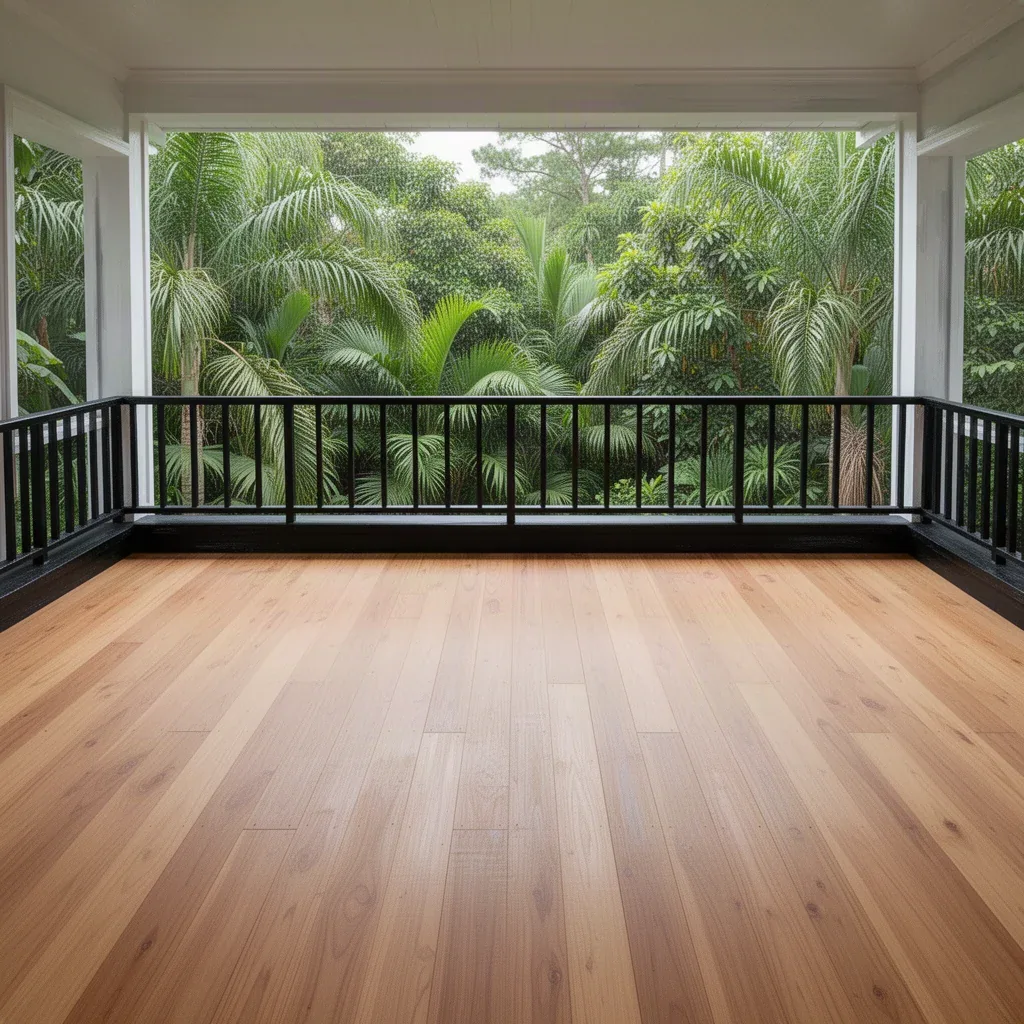
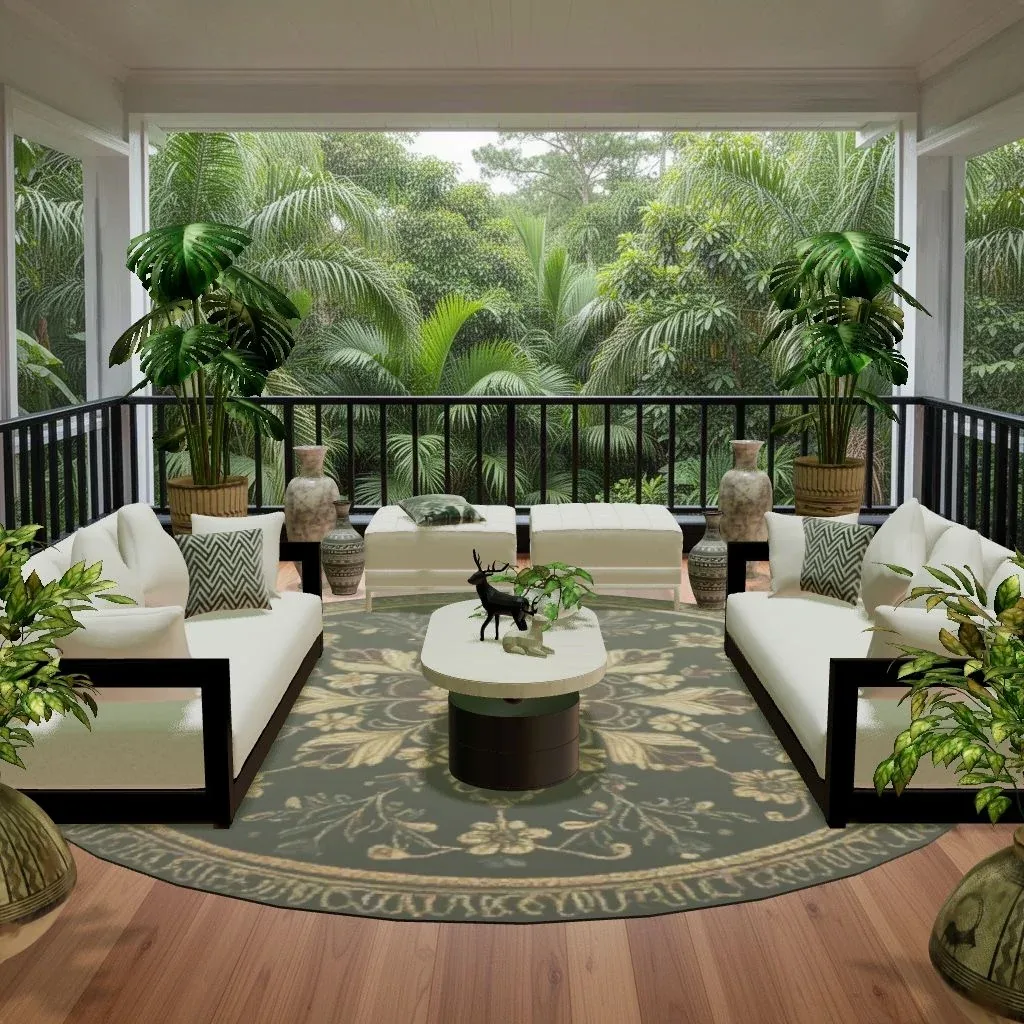
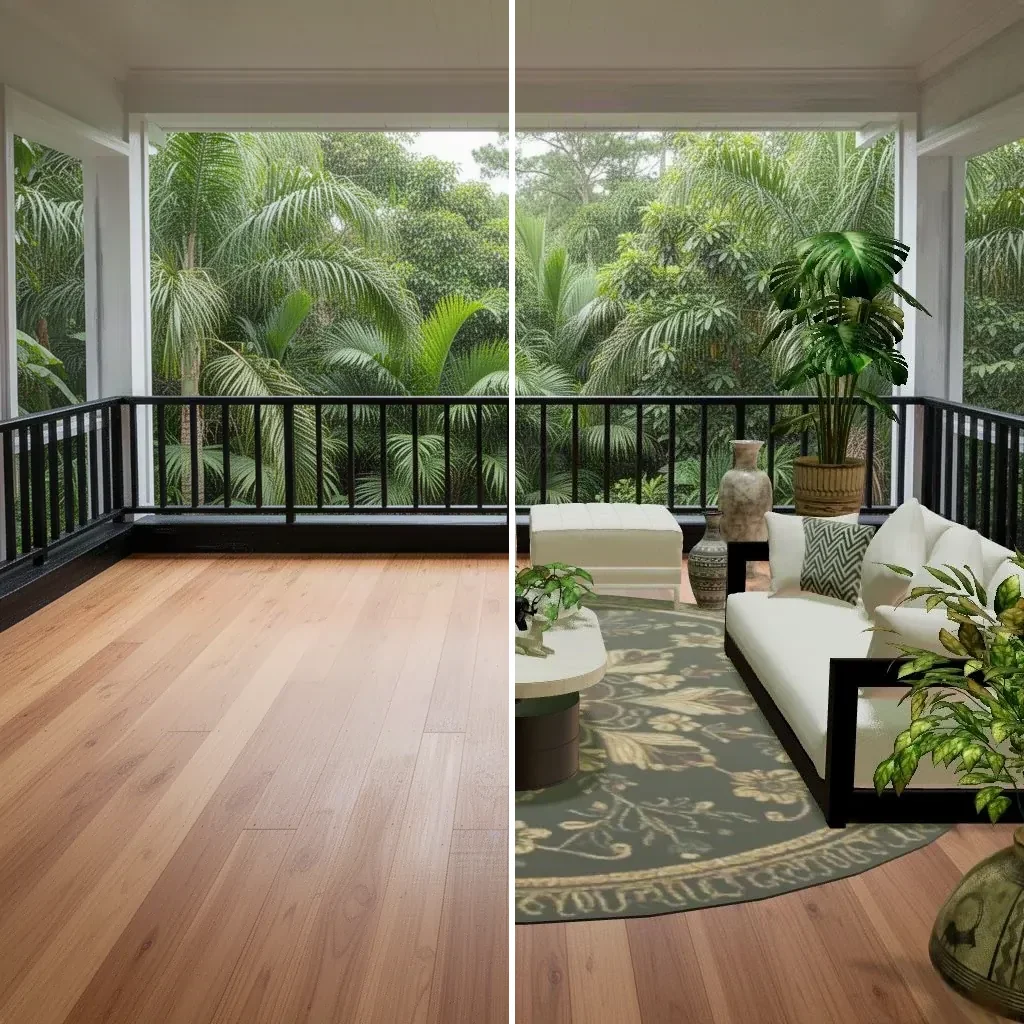
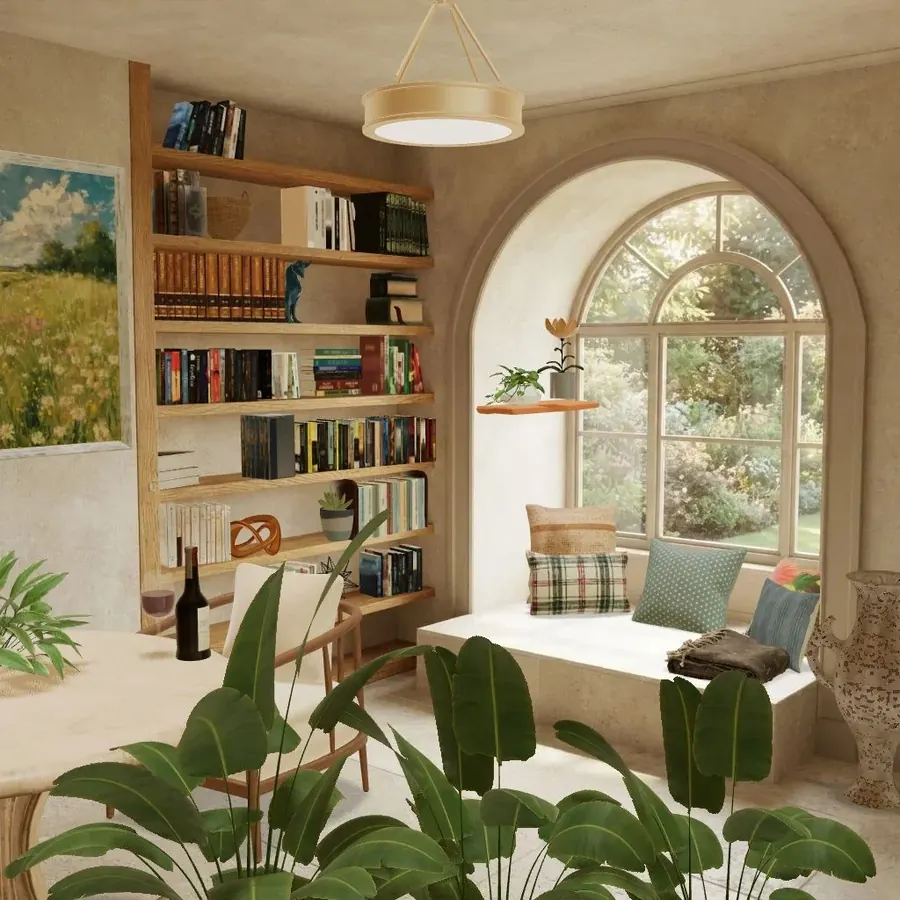
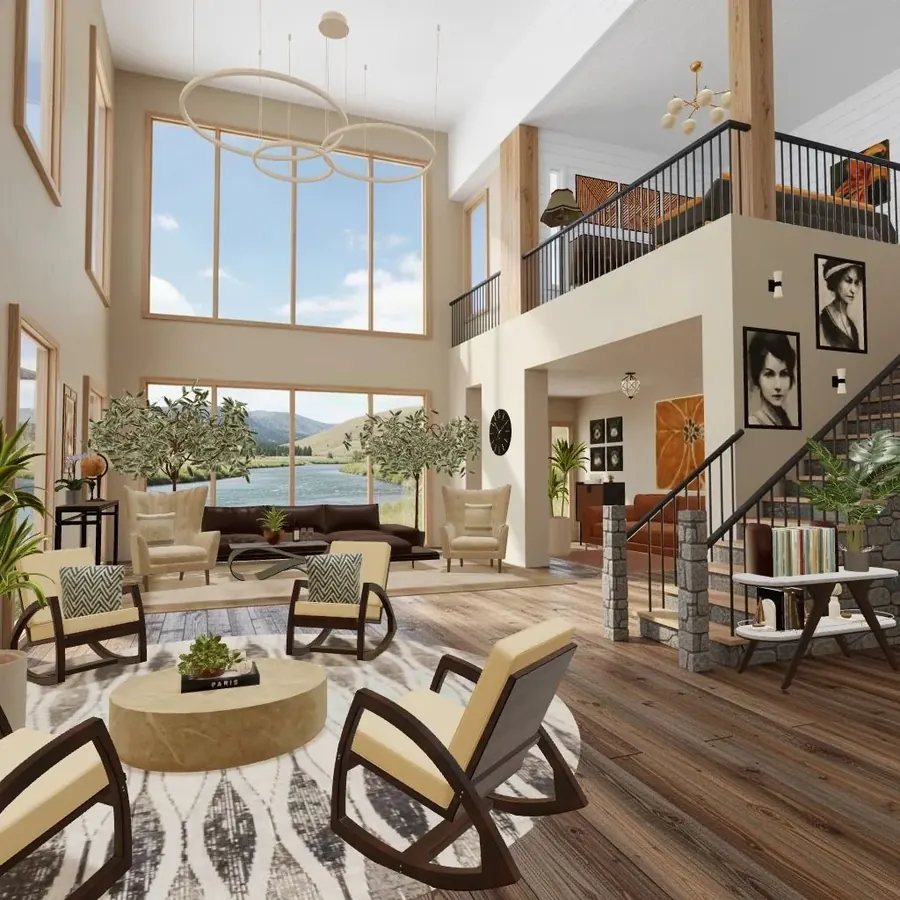
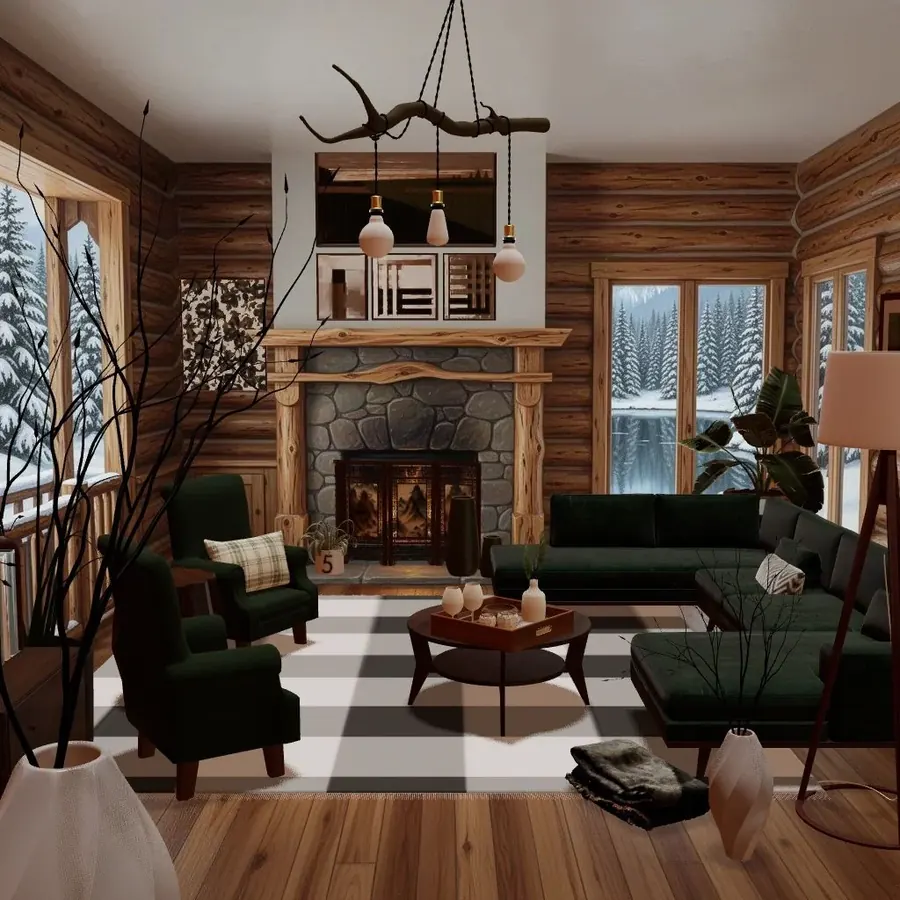
Cozee (our game). An interior design game where every room, called a Space, starts empty: snowy cabins, jungle balconies, a café, a reading nook. You furnish it with real 3D furniture and decor, then other players rate your design 1–5 stars and you earn a Bronze, Silver or Gold medal. At level 5 you unlock pro tools to resize, tilt, swap, mirror and use material options, and the Sofa Workshop lets you build your own sofa. Good for: Build Mode fans who mostly love the furnishing part, and like seeing how other people style the exact same room. It’s about interiors, so there’s no wall-building or characters.
The Sims FreePlay. EA’s long-running mobile Sims game, with houses to build and decorate alongside Sims to look after. Good for: people who want the full Sims mix, characters included, on a phone.
House Flipper (mobile). A mobile take on the renovation sim. Good for: players who love the makeover moment.
Minecraft. On almost every platform, phones included. Building is block-based, but many players design detailed homes and furniture out of blocks. Good for: builders who enjoy architecture and creative problem-solving more than catalog shopping.
On PC and Mac
The Sims 4. If you haven’t explored it in a while, the official Build Mode has grown a lot through updates and packs, and the online gallery of player builds is a design reference in its own right. Good for: the original experience, obviously.
House Flipper and House Flipper 2. Known for buying neglected houses, cleaning, repairing, painting and furnishing them, then selling for a profit. The sequel, on PC and consoles, adds more freedom to build your own houses. Good for: people who find renovation as satisfying as decorating.
inZOI. A newer life sim, still in early access, known for its realistic look and detailed building and customization tools. Good for: players who want a modern, realistic life sim with a strong build side.
Tiny Glade. A calm building toy where you shape little castles and cottages with no goals or currency. Good for: anyone who loves the architecture side of Build Mode and wants zero pressure.
On console
The Sims 4 on PlayStation and Xbox. Build Mode with a controller takes some getting used to, but it’s all there.
Animal Crossing: New Horizons on Nintendo Switch. Known for decorating your house room by room and shaping a whole island, with a cozy, collect-everything rhythm. Good for: decorators who also want a charming world and a slow daily routine.
Disney Dreamlight Valley. A life sim with Disney characters, known for its house and village decorating. Good for: Disney fans who like decorating mixed with quests.
House Flipper and House Flipper 2 on consoles. The same renovation loop as on PC.
Quick comparison
| You love… | Look at |
|---|---|
| Furnishing and styling rooms | Cozee, The Sims 4 |
| The before-and-after of a renovation | House Flipper |
| Building walls, roofs and whole houses | The Sims 4, Minecraft, Tiny Glade |
| Decorating plus a cozy daily routine | Animal Crossing: New Horizons, Disney Dreamlight Valley |
| Feedback from other players | Cozee, The Sims 4’s gallery |
| Playing on your phone | Cozee, The Sims FreePlay, Minecraft |
Taking Build Mode habits into any design game
If you’ve built hundreds of Sims houses, you already have good instincts. A few that transfer well, and a few to unlearn:
Keep:
- Zoning. Sims players naturally split open-plan spaces into living, dining and kitchen zones with rugs and furniture groupings. That’s exactly what real designers do.
- Telling a story. Deciding who lives in a room before you decorate it gives your choices a direction. “A retired sailor’s cottage” leads you toward coastal colors and worn wood.
- Lighting in layers. Good builders add lamps, not just ceiling lights.
Unlearn:
- Filling every tile. Sims rooms are often packed because there’s space on the grid. Real rooms, and rooms judged by other players, usually look better with breathing room.
- Matching everything. Build Mode makes it easy to grab one whole furniture set. Mixing woods, fabrics and eras looks more lived-in. Our eclectic style guide explains how to mix without chaos.
- Tiny rugs. A rug should usually be large enough that at least the front legs of the sofa and chairs sit on it.
What decorating games can’t give you (and what they can)
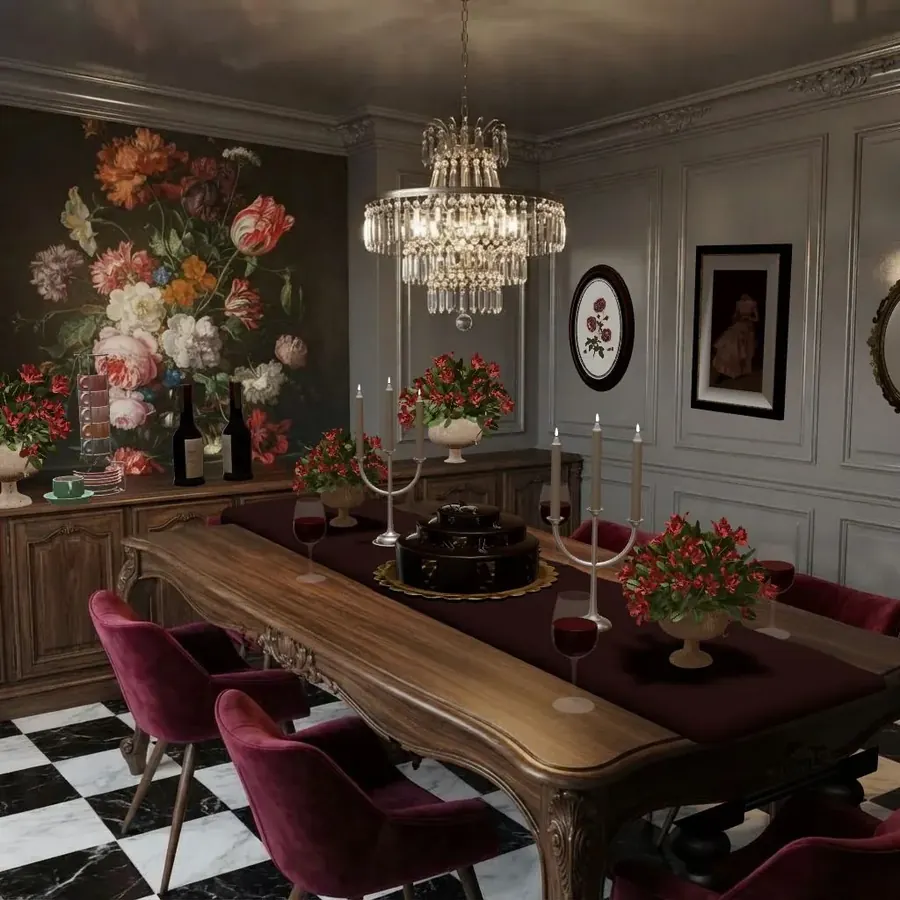
Unlike The Sims, most decorating games don’t simulate people moving through your rooms, so nothing “breaks” if you forget a bathroom door. In exchange, they often put more care into the furniture and the room itself. A room-styling game can feel closer to an interior design portfolio than a dollhouse.
If you want to go from playing to planning your actual home, a game is a great place to practise palettes and layouts, but use a room planner with real measurements before buying anything.
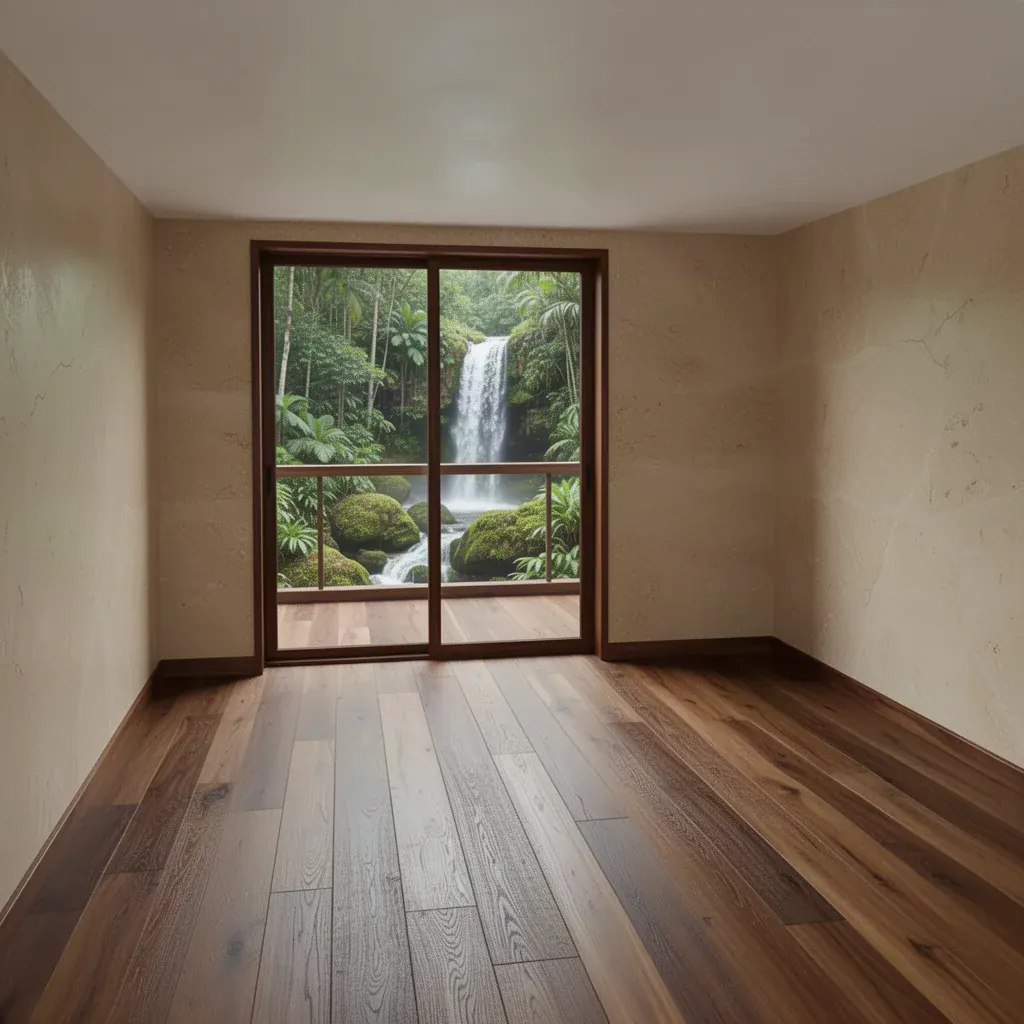
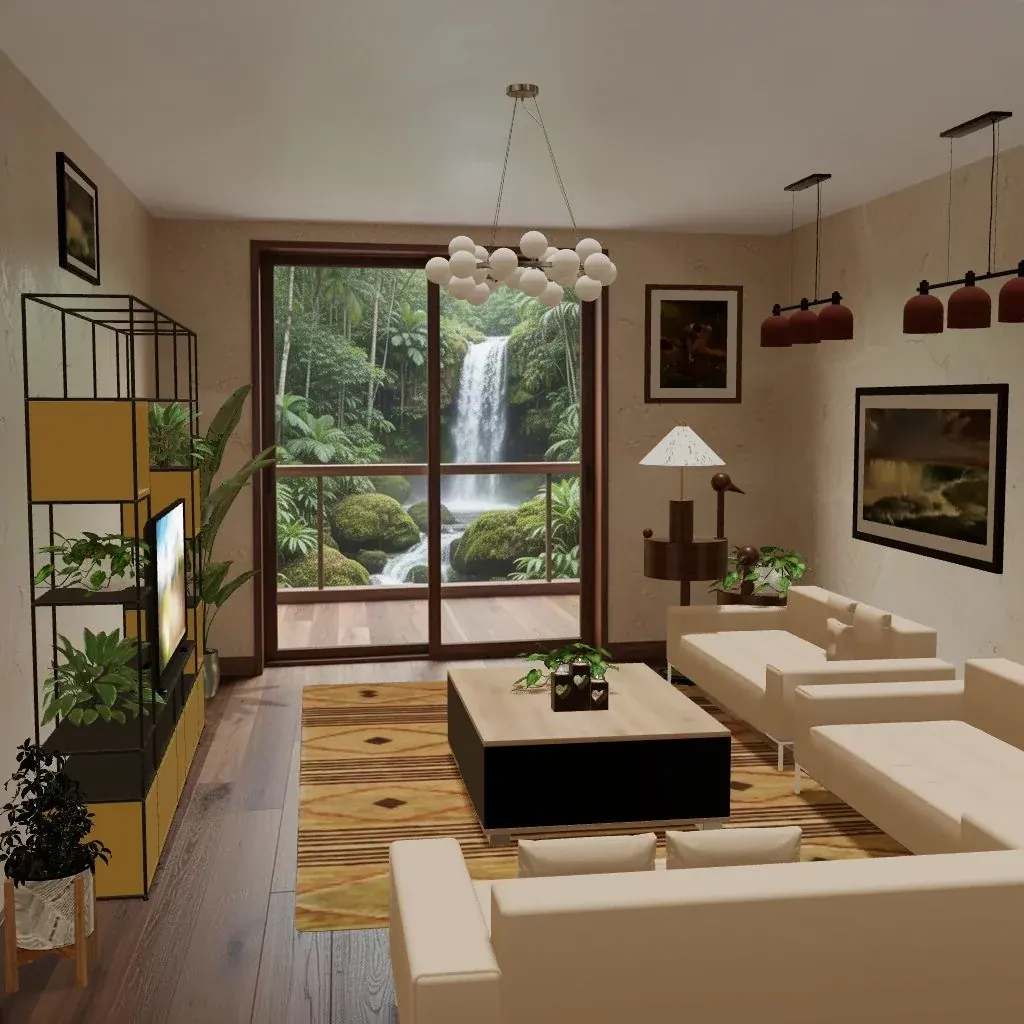
Try it in Cozee
If your favorite moment in Build Mode is standing in an empty room deciding where the sofa goes, Cozee is built around exactly that. It’s free on iPhone and Android, there are no timers, and you never have to buy anything to design. You can even create your own Space: pick a room, describe its mood, style and story, and Cozee generates looks for it, which will feel familiar to anyone who loves building a house around a character.
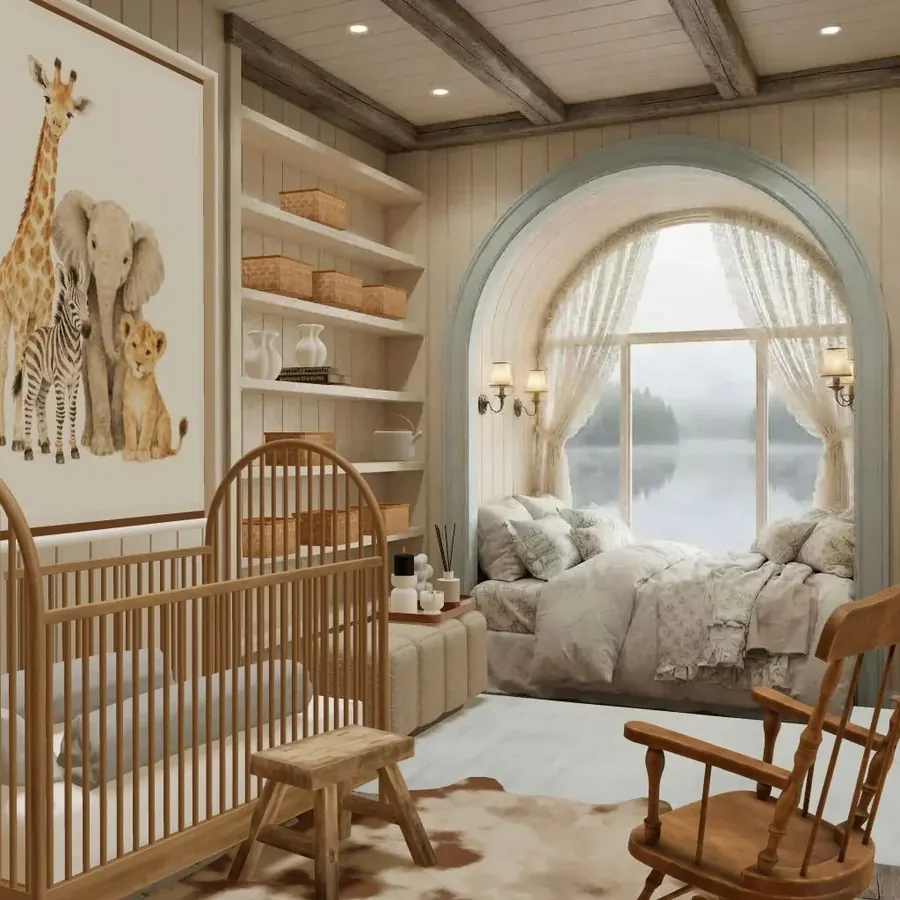
Start with how Cozee works, then the beginner’s guide. For your first room, the guide to furnishing an empty room is a good companion, and the living room with a view guide suits big-window Spaces like the loft above.
Questions people ask
Is there a game that is just The Sims Build Mode?
Not officially, but several games focus almost entirely on building and furnishing. Renovation sims like House Flipper, sandbox builders like Minecraft and room-styling games like Cozee all put decorating at the center rather than character life. Which one fits depends on whether you love construction, renovation or furnishing most.
What can I play on my phone that is like Sims Build Mode?
Look for room-styling games that start you in an empty 3D room with a furniture catalog you can drag, move and rotate freely. Life sims on mobile also include building, but the decorating is mixed in with caring for characters and timed tasks.
Why do some people only play The Sims for building?
Build Mode is a low-pressure creative tool: no deadlines, no budget limits if you use cheats, and instant results. Many players enjoy designing houses and rooms more than managing a household, and share their builds online with other fans.
Are there Sims-like games for console?
Yes. The Sims 4 itself is on PlayStation and Xbox, Animal Crossing: New Horizons offers home and island decorating on Nintendo Switch, and renovation sims such as House Flipper are available on consoles as well as PC.
Try it in an empty room first
Cozee is a free interior design game for iPhone and Android. Pick an empty 3D room, fill it with real furniture, and see what the community thinks.
4.7 on the App Store · Free, with optional in‑app purchases