

On this page 7 sections
Interior design games on iPhone and Android fall into a handful of distinct types: room-styling games where other players vote on your designs, makeover and renovation sims, match-3 puzzle games with a decorating story, life sims with a building mode, and design-tool apps that look like games but are really planners. Which one you’ll enjoy depends on one question more than any other: do you want freedom (an empty room and a catalog) or guidance (a story, a client brief, a few choices per spot)?
This guide walks through each type, gives a short list of well-known examples with an honest “good for” line, and ends with a checklist for choosing.
The five kinds of interior design games
1. Room-styling games with community voting
You get a room, a furniture catalog and usually a theme or brief. You furnish it, submit it, and other players rate it. Your result depends on how people respond, so these games reward an eye for color, balance and a clear style.
What to expect: plenty of creative freedom, a social side (looking at other people’s versions of the same room is half the fun), and an in-game currency for buying pieces.
2. Makeover and renovation sims
These put you in the role of a renovator: clear out the mess, fix walls and floors, then decorate. The satisfaction comes from the before-and-after. Some are relaxed and open; others are structured around jobs with specific requirements.
3. Match-3 games with decorating
You solve match-3 puzzle levels to earn stars, then spend them choosing between a few preset options for a sofa, a fountain or a wallpaper. The decorating is light, but the story and the steady progress keep many people playing for a long time.
4. Life sims with building and decorating
Here decorating is one part of a bigger game: you also look after characters, a farm, an island or a village. Building tools are often very deep, though on mobile the life-sim side can take as much time as the decorating.
5. Design-tool apps (not games)
Room planners let you draw a floor plan to scale, drop in furniture and view it in 3D. They have no levels or rewards, but they’re the right tool when you’re planning a real room with real measurements.
A curated list, and who each one suits
These are well-known names in each category. Games change, get updated and occasionally close, so check the App Store or Google Play listing for current details before you download.
| Game or app | Type | Good for |
|---|---|---|
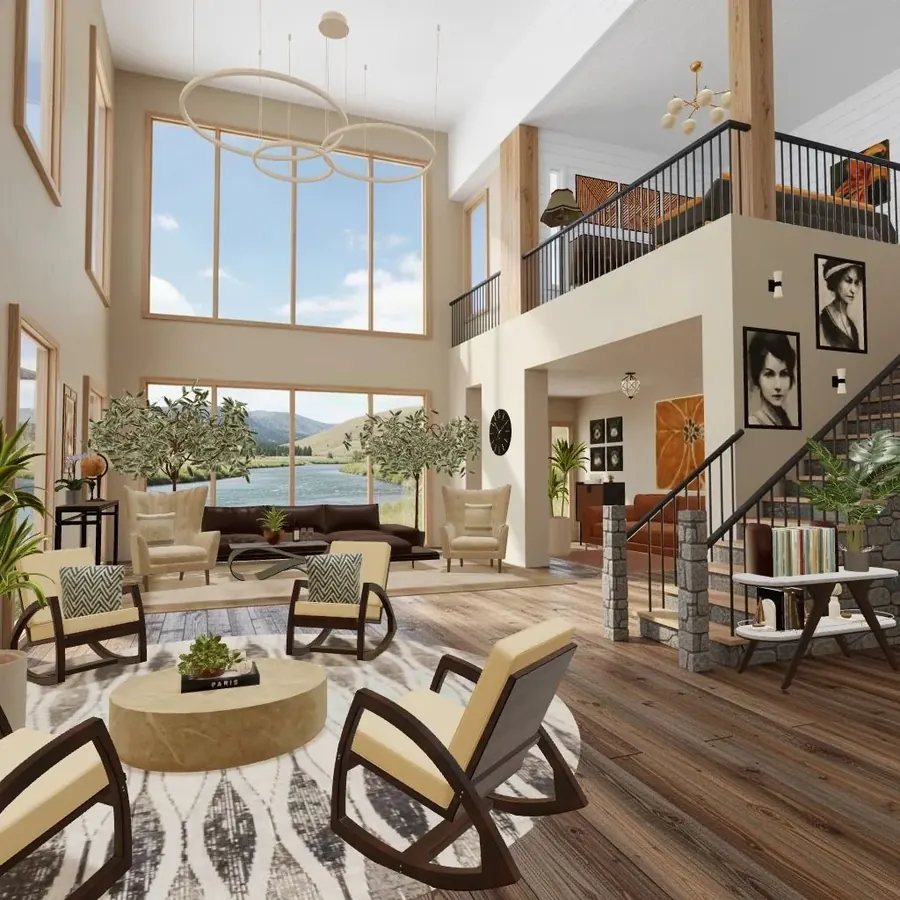
| Cozee | Room-styling + community voting | People who want to furnish empty 3D rooms freely and see how others style the same room |
| Design Home | Room-styling + community voting | Players who like styling to a set challenge with furniture from real brands |
| Redecor | Room-styling + community voting | People who love choosing colors, fabrics and finishes more than arranging a layout |
| Homescapes | Match-3 with decorating | Puzzle fans who enjoy a story and light decorating choices |
| House Flipper (mobile version) | Renovation sim | Anyone who loves the clean-up and repair part of a makeover |
| The Sims FreePlay | Life sim with building | People who want characters and a household as well as a house to decorate |
| Minecraft | Sandbox building | Builders who think in structures and spaces more than in furniture catalogs |
| Planner 5D, Homestyler | Design tools | Planning a real room to scale before buying anything |
A few notes behind the table:
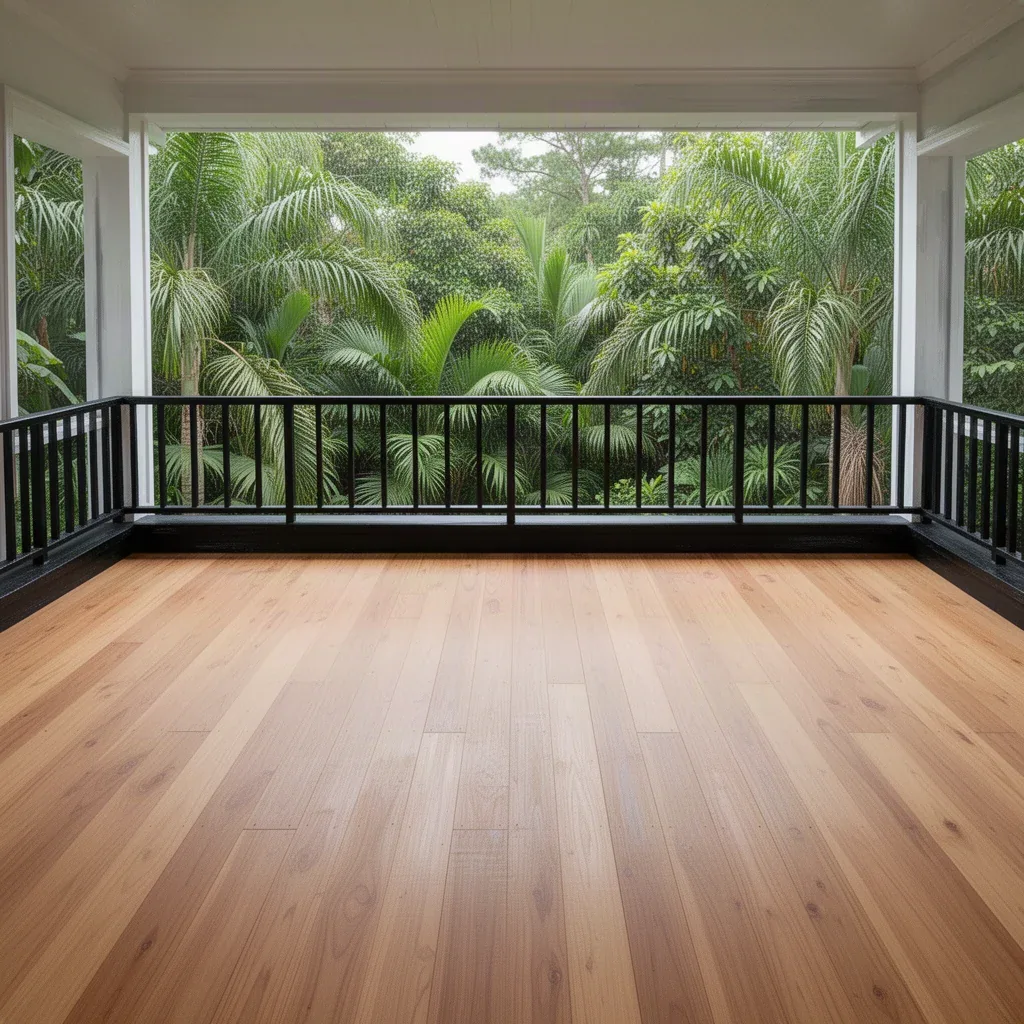
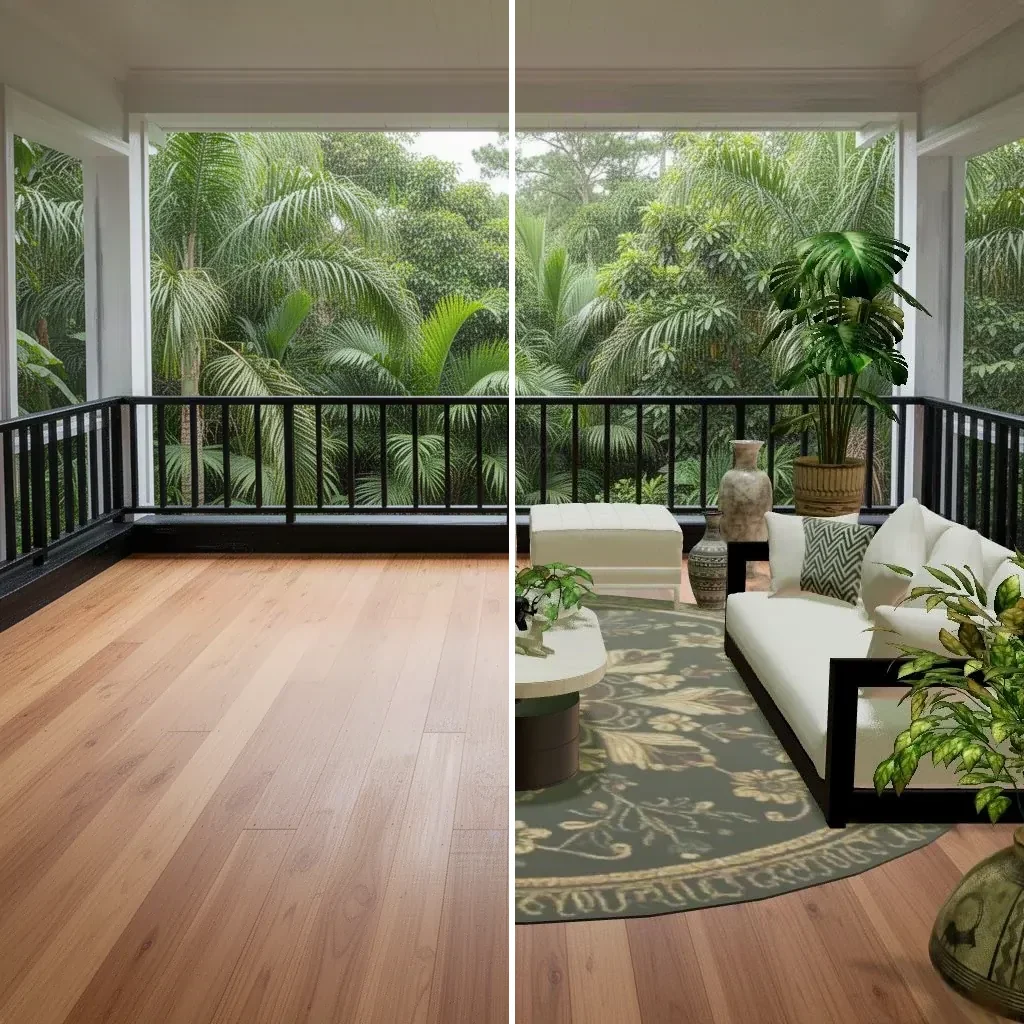
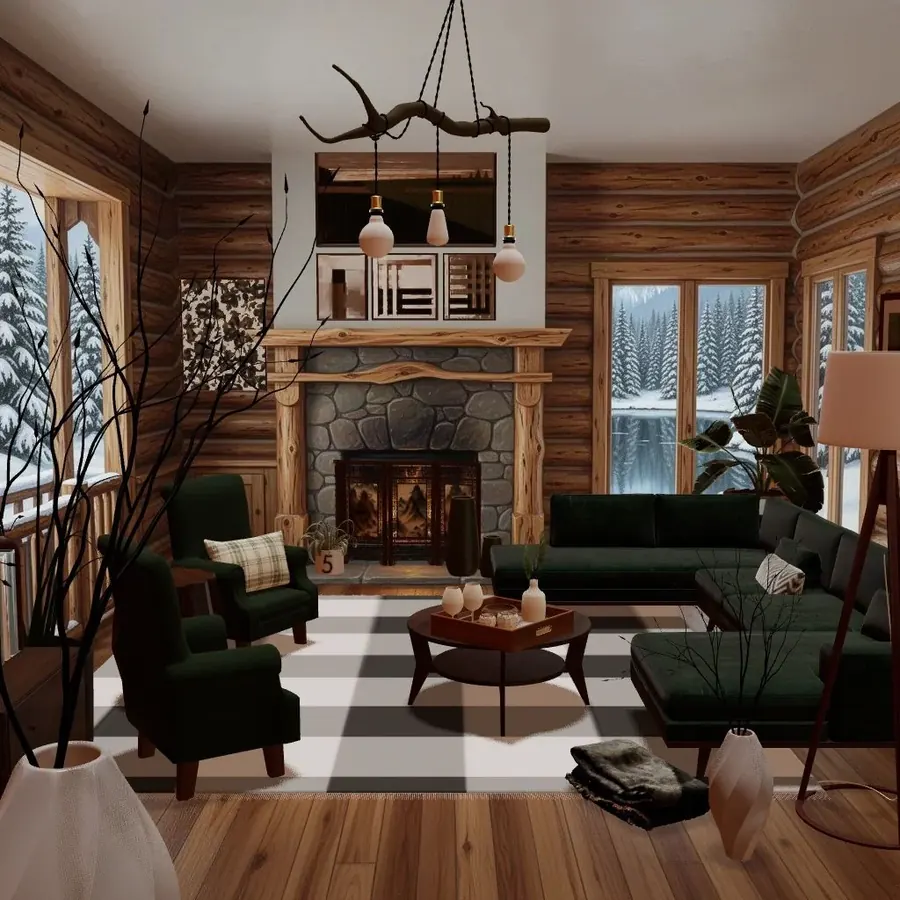
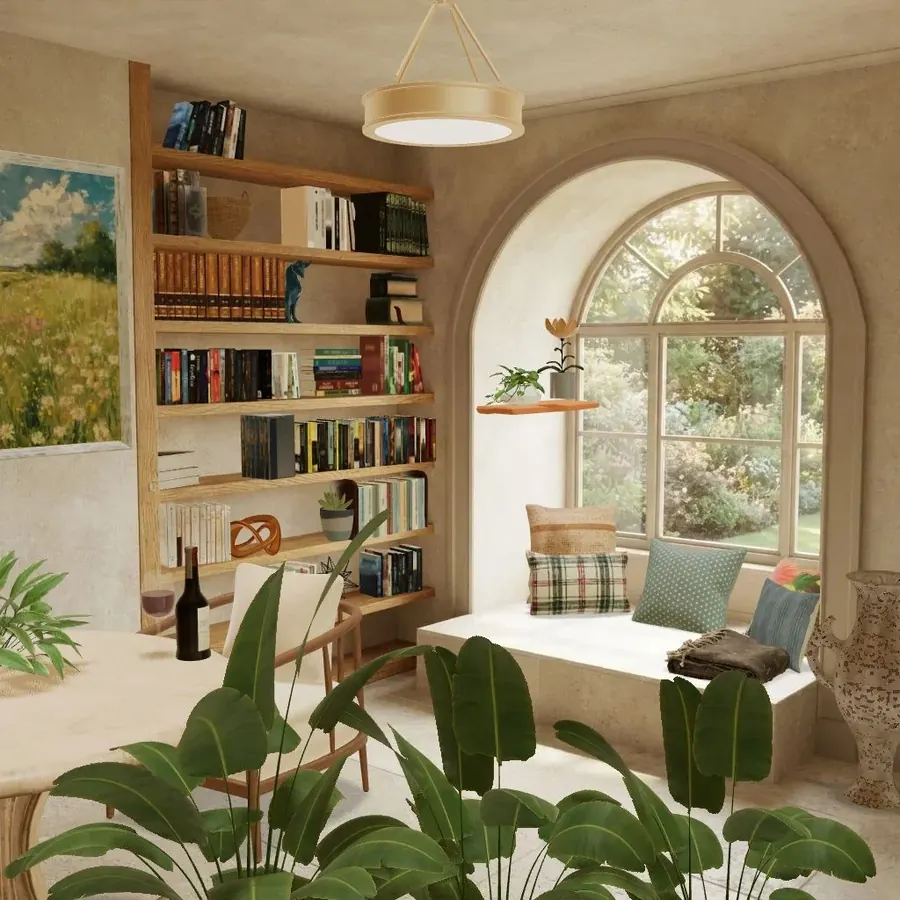
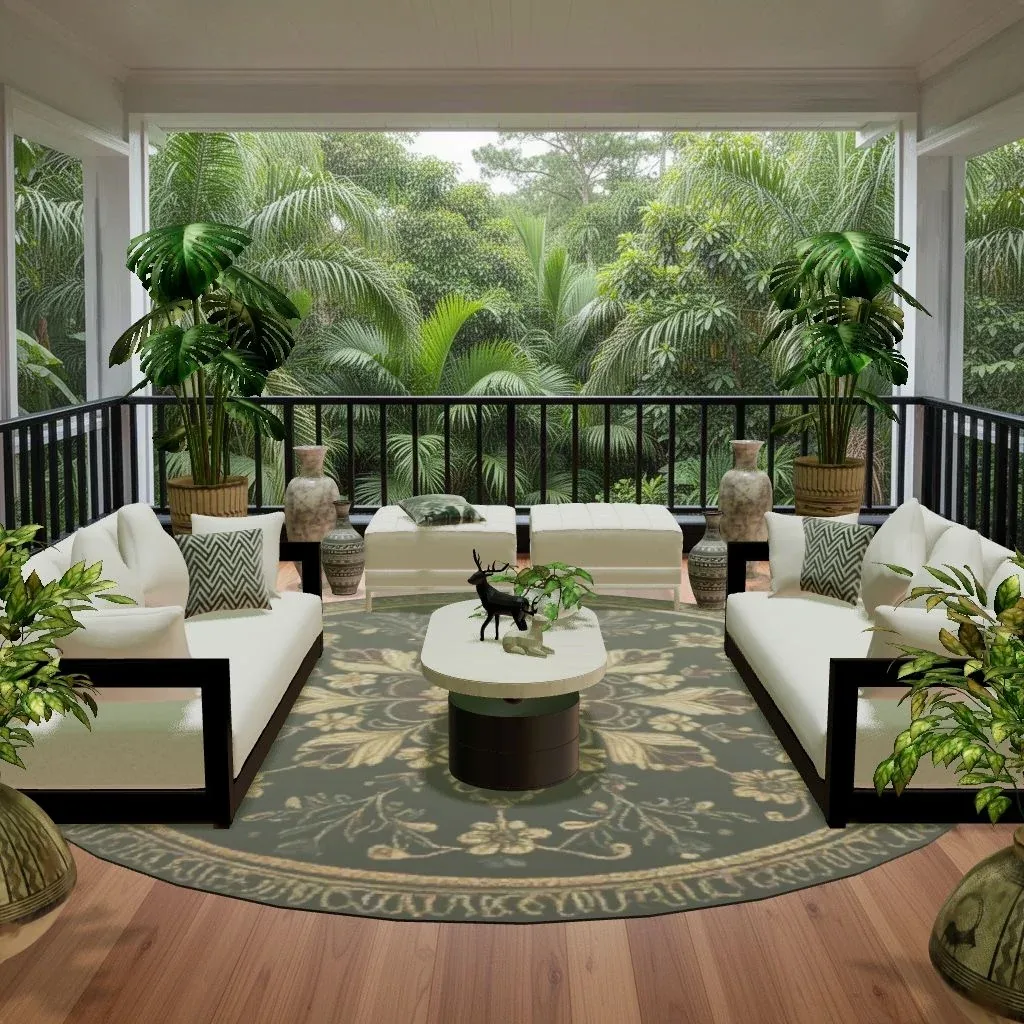
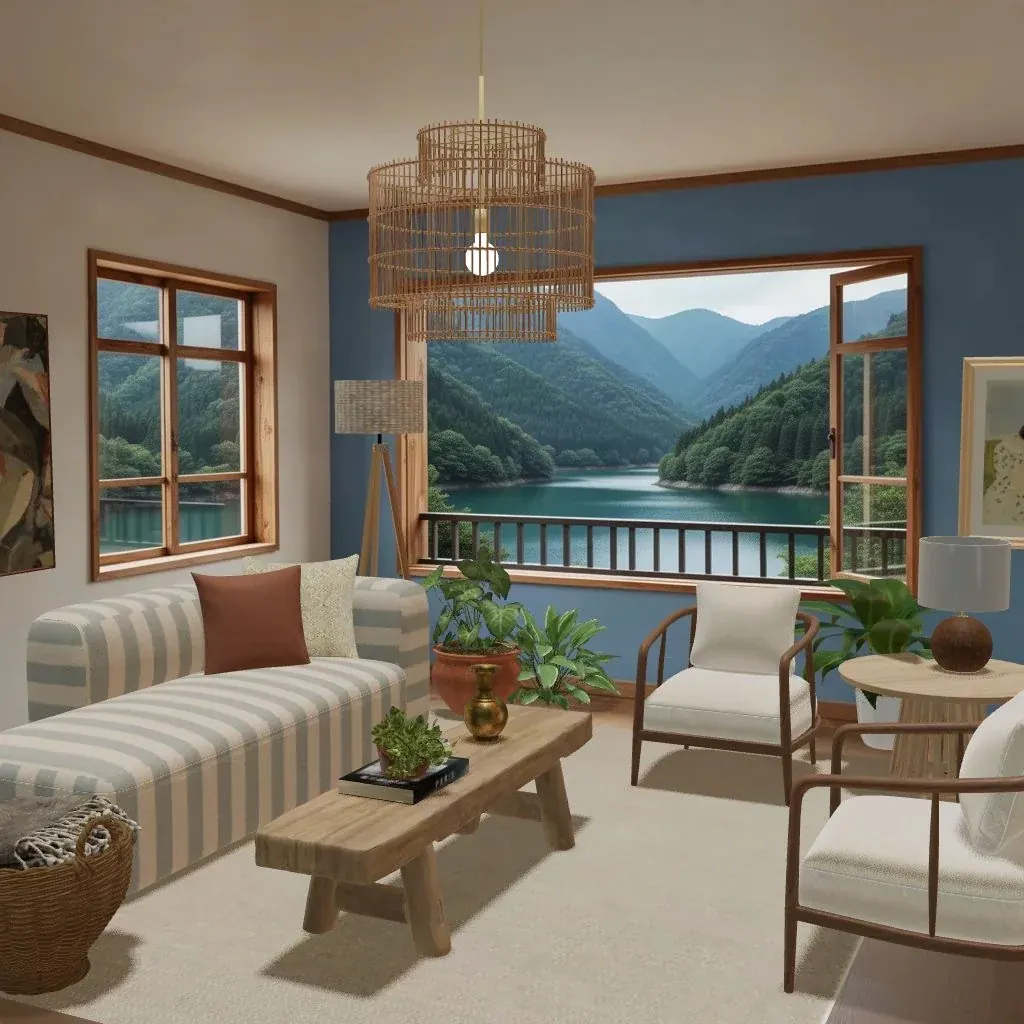
- Cozee is our game, so weigh this line accordingly. Each room (a “Space”) starts empty, from a snowy cabin to a jungle balcony, and you design it with real 3D furniture and decor: sofas, rugs, lamps, plants, art. Other players rate designs from 1 to 5 stars, and you earn a Bronze, Silver or Gold medal. It’s free on iPhone and Android with optional in-app purchases, and there are no timers.
- Design Home is widely known for its daily design challenges, a catalog built around real furniture brands, and community voting on finished rooms.
- Redecor is known for styling rooms to a brief by picking colors, textures and materials, with players voting on the results.
- Homescapes is known for its match-3 levels and the story of renovating a family mansion room by room.
- House Flipper is known for buying run-down houses, cleaning and repairing them, then decorating and selling them.
- Minecraft isn’t an interior design game, but many people use it to build and furnish detailed homes block by block.
Freedom vs. guidance: the choice that matters most
Most frustration with design games comes from picking the wrong end of this scale.
If you want freedom, look for:
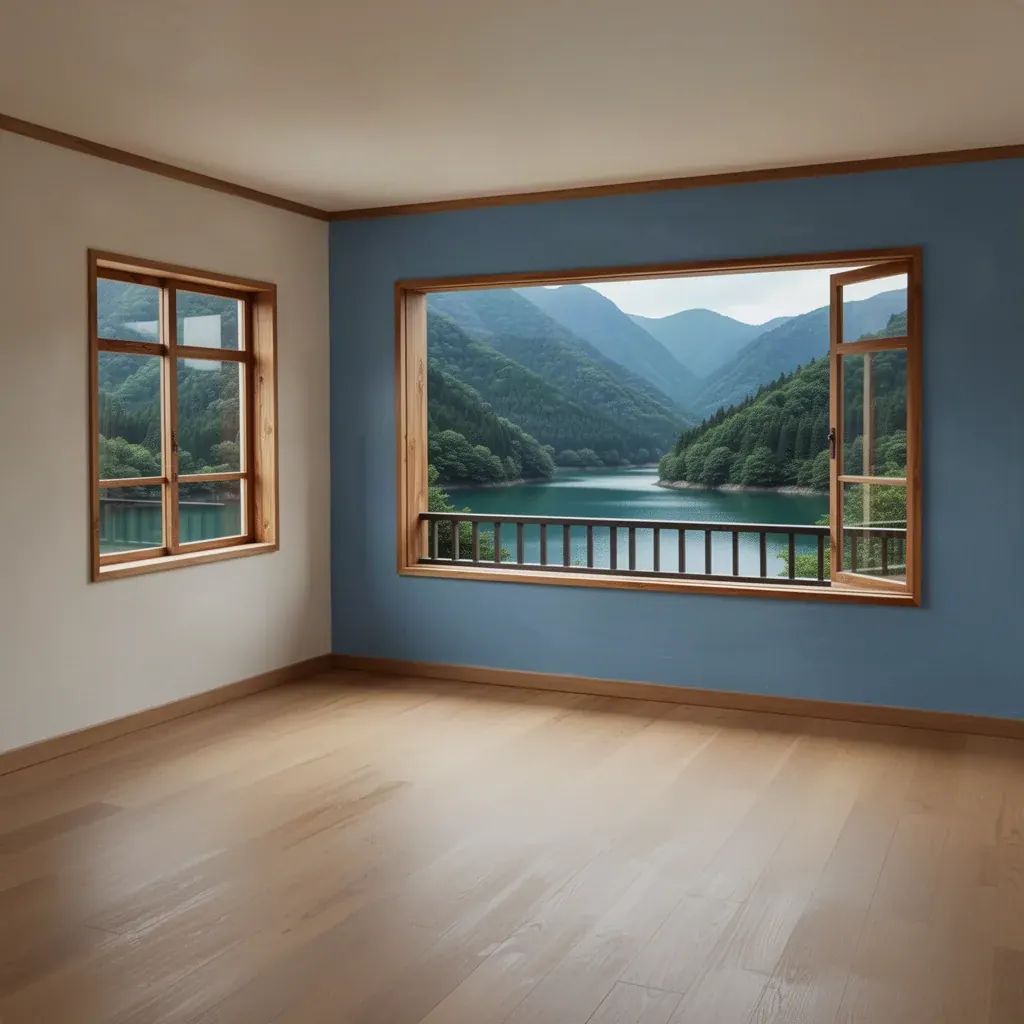
- an empty room you furnish from scratch, rather than a room with fixed slots
- the ability to move and rotate every piece, not only pick from options
- a catalog wide enough to do several styles, from Scandinavian to industrial
- editing tools for size, angle or materials as you progress
If you want guidance, look for:
- a story or client brief that tells you what each room is for
- a small number of choices per decision, so you’re never stuck
- clear goals and steady unlocks
Neither is better. Guided games are great when you want to relax without making a hundred decisions; open games are better when you already have a look in your head and want to build it.
How to choose: a quick checklist
Before you download, read the store page and screenshots with these questions in mind.
- Do you start from an empty room? If the screenshots only show finished rooms with arrows over single items, it’s probably a preset-choice game.
- How is your work judged? Community voting, a score against a brief, or no judging at all. Voting is motivating if you like feedback; if criticism of your taste stresses you out, choose a game without it.
- How do you get furniture? Most games use a currency. Look at whether items are yours to keep, whether they have limited uses, and what you earn just by playing.
- Are there timers? Some games add countdowns to events or make you wait for things to finish. If you play to unwind, a game with no timers will feel calmer.
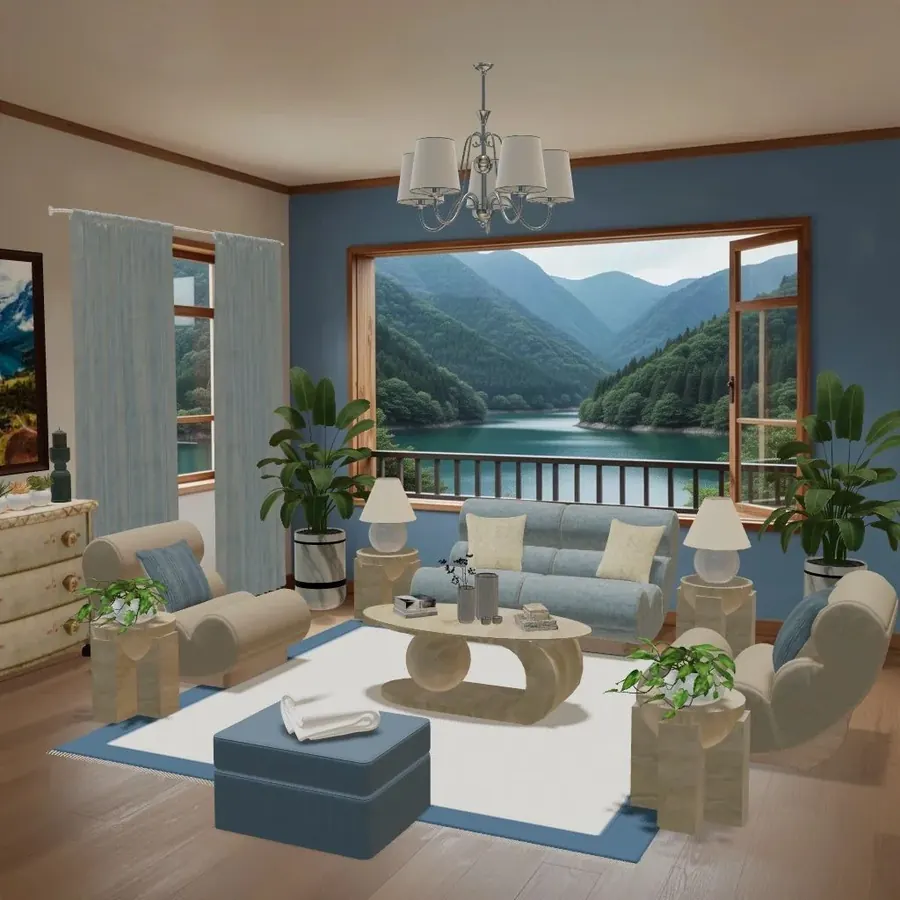
- Can you see other people’s designs? Browsing other players’ versions of the same room is one of the fastest ways to learn. It’s how many people discover that the same space can be cozy boho or crisp and minimal.
- What’s the art style? Realistic 3D renders feel closer to real rooms; cartoon styles are charming but teach you less about proportions and materials.
Common mistakes when picking a design game
- Choosing by the ad. Mobile game ads often show gameplay that’s only a small part of the real game. The store screenshots and the first ten minutes tell you more.
- Expecting a planner from a game. Games are for creativity and fun. If you need exact dimensions for your living room, use a room planner app alongside.
- Quitting during the tutorial. Many design games open with a fairly guided first few rooms before the catalog and tools open up. Give it a couple of sessions.
- Spending before you know the game. You can usually tell within a few days whether the free path suits you. There’s no need to buy anything early.
Using design games to train your eye
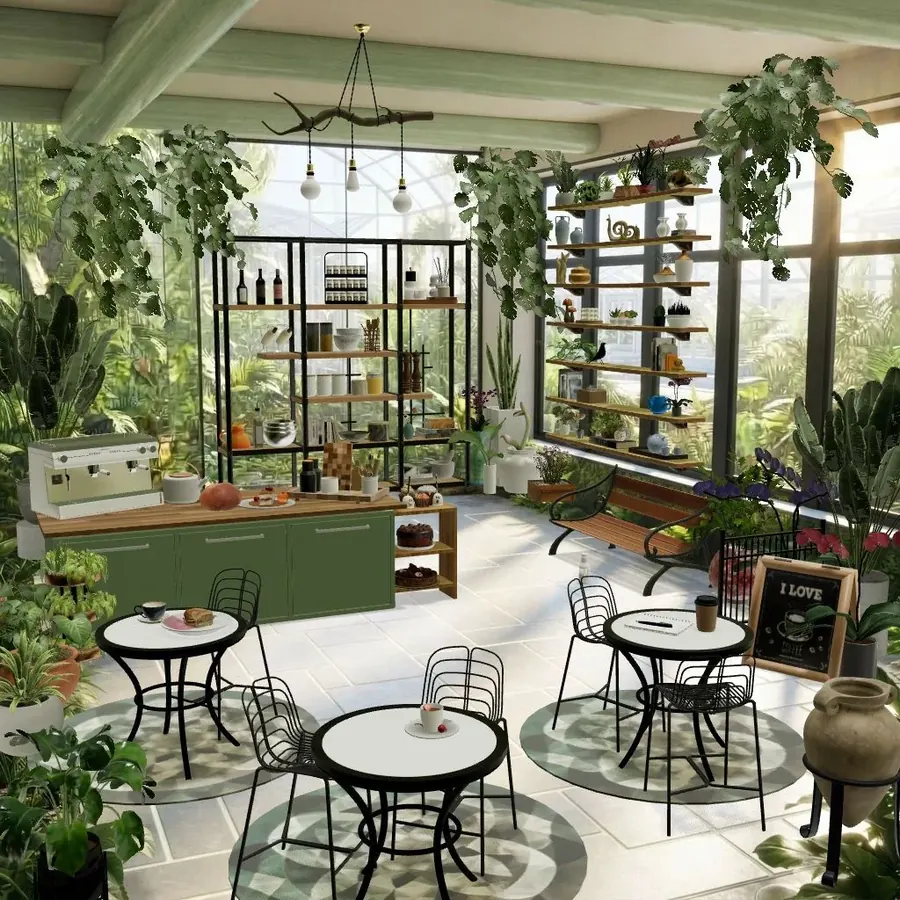
The most useful thing a good design game teaches is not a specific style but habits you can take into a real home:
- Anchor first. Place the biggest piece (sofa, bed, table) before anything else, then build around it. Our guide to furnishing an empty room covers this order step by step.
- Limit your palette. Rooms with two or three main colors plus wood and green almost always read better than rooms with eight.
- Layer light. A ceiling light alone feels flat; add a floor lamp and a table lamp.
- Leave space. Empty floor around furniture is what makes a room look calm instead of crowded.
If you’re not sure which look you lean toward, the interior design styles guide explains ten of them side by side.
Try it in Cozee
If an empty-room, free-placement game sounds like your kind of thing, Cozee is free on iPhone and Android. You drag in real 3D furniture, move and rotate it, submit your design, and other players rate it in rounds of five. About a day later you get your medal, and you can always design the same Space again to beat it. No design experience is needed, and you never have to buy anything to design.
Read how the game works for an overview, or jump into the beginner’s guide for your first week.
Questions people ask
Are there free interior design games?
Yes. Most interior design games on iPhone and Android are free to download and earn money through optional in-app purchases such as currency packs or premium passes. Before you commit, check what the game asks you to pay for: some limit how many items you can use, others mainly sell cosmetics or shortcuts.
Which kind of design game lets you place furniture freely?
Room-styling games with a 3D editor and life sims with a build mode usually let you drag, move and rotate furniture wherever you like. Match-3 decorating games and some makeover games instead give you a few preset options per spot, which is quicker but less open.
Can a design game help me decorate my real home?
It can help you practise: seeing how a color palette, a rug size or a furniture layout feels in a 3D room is useful training for your eye. It can’t measure your actual space, so for real purchases use a room planner app or a tape measure and floor plan as well.
Do interior design games need an internet connection?
Games with community voting, feeds or live events generally need to be online, because your designs are shared with and rated by other players. Some single-player makeover and puzzle games work partly offline, but this varies from game to game, so check the store listing.
Try it in an empty room first
Cozee is a free interior design game for iPhone and Android. Pick an empty 3D room, fill it with real furniture, and see what the community thinks.
4.7 on the App Store · Free, with optional in‑app purchases