

On this page 6 sections
The calmest decorating games share one thing: nothing stops you while you’re decorating. No energy bar that runs dry halfway through a room, no sofa that takes four hours to “arrive”, no countdown telling you to finish before an event ends. Games that work this way tend to be sandbox building toys, story-led tidying games, the build modes of bigger life sims, room planner apps, and some room-styling games. Below is what the different kinds of timers do, why many players avoid them, how to spot them before you download, and where Cozee fits (honestly, including the one wait it does have).
The three kinds of timers in mobile games
“Timer” covers a few quite different things. It helps to know which one bothers you.
Energy and lives
You get a bar or a number of hearts. Every action, whether that’s a puzzle level, a room task or a decorating step, uses some up. When it’s empty, you wait for it to refill over time or pay to refill it sooner. Energy is common in match-3 decorating games and in many mobile life sims. The effect is that you decide how long you play only up to a point; the game decides the rest.
Build and delivery waits
You choose a sofa or start a renovation, and a clock appears: ready in 30 minutes, ready tomorrow. Waits like this are common in mobile life sims and town builders. They let the game hand out progress in small doses, and they usually come with a button to skip the wait with premium currency.
Event countdowns
A limited-time event with its own rewards, and a clock showing how long is left. Countdowns don’t block you from playing, but they change how it feels: instead of “I’ll do this room when I’m in the mood”, it becomes “I have to finish this room by Sunday.”
Plenty of people enjoy all three. A daily rhythm can be a pleasant habit, and an event can be a nice reason to try something new. But if you play to unwind, the energy bar and the build wait are the ones most likely to get in the way, because they sit directly on top of the creative part.
Why some players avoid timers
The reasons come up again and again in reviews and forums, and they’re worth naming because they help you judge a game quickly:
- Decorating is a flow activity. Arranging a room means trying something, stepping back, moving it again. Being cut off mid-room by an empty energy bar breaks that loop, and the half-finished room nags at you.
- Waiting makes a hobby feel like a chore. If a game asks you to log in at set times to collect things, it’s setting your schedule, not you.
- Pressure to pay. Most timers come with a paid way around them. Some players simply don’t want to be asked, again and again, whether they’d like to skip.
- Short or irregular sessions. If you play in five-minute gaps, a game with no timers lets you move one lamp and close it. A game with timers may have nothing for you to do until later.
None of this makes timed games bad. It just means “cozy” on a store page doesn’t guarantee calm play; the cozy decorating games guide goes deeper on what actually makes a game feel relaxing.
How to spot timers before you download
Store pages rarely say “this game has energy”. These checks usually tell you anyway:
- Look for bars and clocks in the screenshots. Hearts, lightning bolts or a clock icon next to an item are the giveaways.
- Read the in-app purchase list. Items like “energy refill”, “unlimited lives for 2 hours” or “speed-up” tell you exactly which timers exist.
- Search reviews for “wait”, “energy” and “lives”. Players complain about timers loudly, so if they matter, you’ll find them.
- Watch the first ten minutes, not the ad. Mobile game ads often show only a small part of the game. The tutorial and the first session after it show you the real pace.
- Notice what happens when you stop. If closing the app mid-room loses nothing and opening it again lets you carry on, that’s a good sign.
Kinds of games that tend to skip timers
These are tendencies, not guarantees. Games get updated, so check the current store page.
| Kind of game | Why it tends to be timer-free | Examples, by what they’re known for |
|---|---|---|
| Sandbox building toys | There are no goals to pace, so there’s nothing to wait for | Townscaper and Tiny Glade, known as building toys with no goals |
| Story and tidying games | The pace is set by the story, and there’s no score | Unpacking, known for unpacking boxes with no rush; A Little to the Left, known for sorting and straightening objects |
| Build modes in PC and console life sims | Building is a creative tool, separate from the life sim | The Sims 4 Build Mode, known for detailed home building |
| Room planner apps | They’re tools, with no levels or rewards at all | Planner 5D and Homestyler, known for planning real rooms to scale |
| Some room-styling games | You furnish an empty room at your own pace | Cozee, with no timers on designing |
Two honest notes. Life sims that run on a real-time clock, such as Animal Crossing: New Horizons, known for its slow real-time daily rhythm, are calm but deliberately paced by the day, so some things happen “tomorrow”. And farming games like Stardew Valley have an in-game clock that runs while you play. Whether that feels like a timer is personal. For a wider list of games sorted by type, see interior design games for iPhone and Android and games like The Sims for home design.

Where Cozee fits
Cozee is our game, so read this section with that in mind. Here’s what’s timed and what isn’t:
- Designing: no timers. You open a Space (an empty 3D room), drag in furniture, move and rotate it, and submit when you’re happy. Nothing makes you wait while you decorate: place a piece, take it out, try another, for as long as you like.
- Furniture: no build waits. You buy pieces with coins in the catalog. Each purchase gives you 5 uses, and a use is spent only when you submit a design that includes the piece. Trying things out costs nothing.
- Results: about a day later. This is the one wait, and it’s worth being clear about why it exists. Your medal (Bronze, Silver or Gold) comes from other players rating your design from one to five stars. That takes time, so results usually arrive about a day after you submit, once enough people have voted. It’s not a countdown you can skip; it’s real people looking at your room.
- A monthly Design Pass. It unlocks with your 5th design and runs for a month with its own theme, so it has a natural end date. It’s optional: you can ignore it and just design.
- Daily extras. There’s a daily gift, and your first voting rounds each day earn double. These reward coming back but never block you from playing.
So if “no timers” for you means no clock on the creative part, Cozee fits. If it means “results the instant I finish”, it doesn’t, because the feedback comes from people rather than a scoring formula.
Try it in Cozee
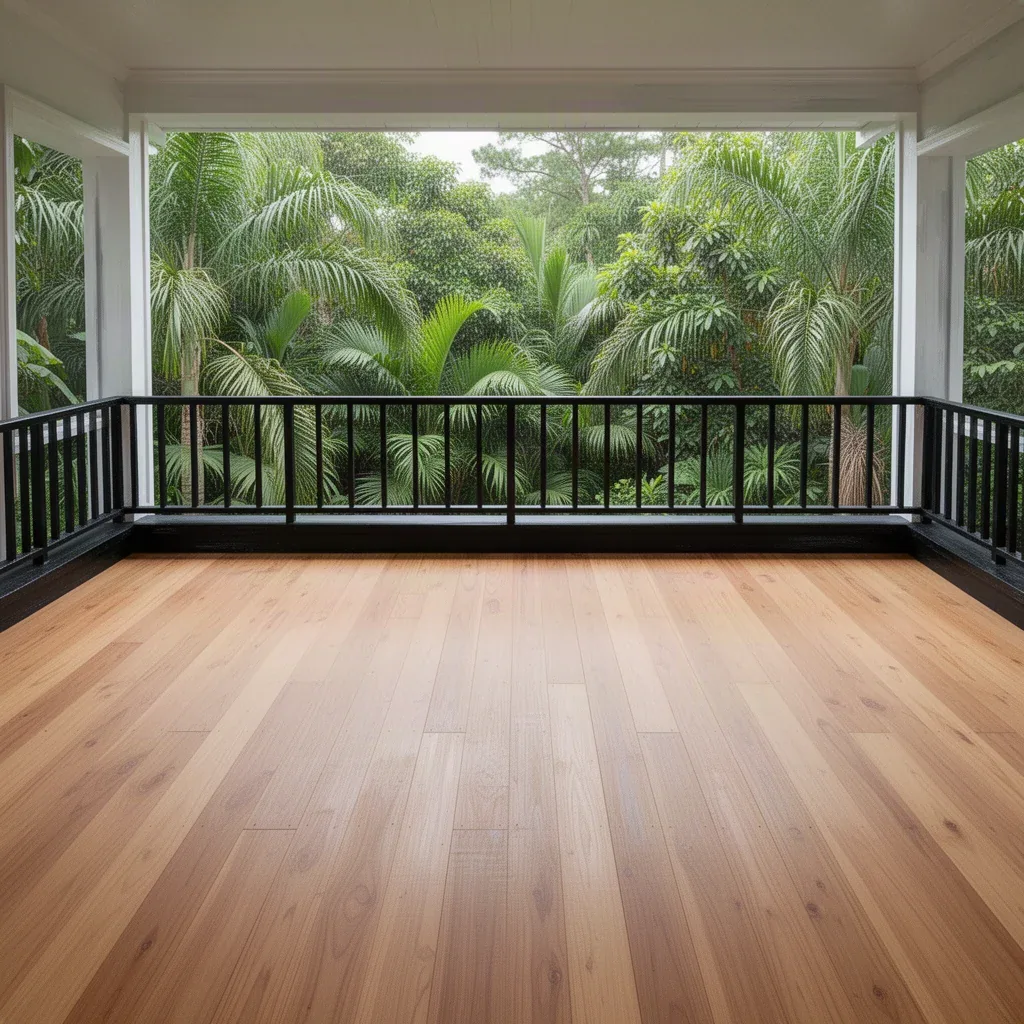
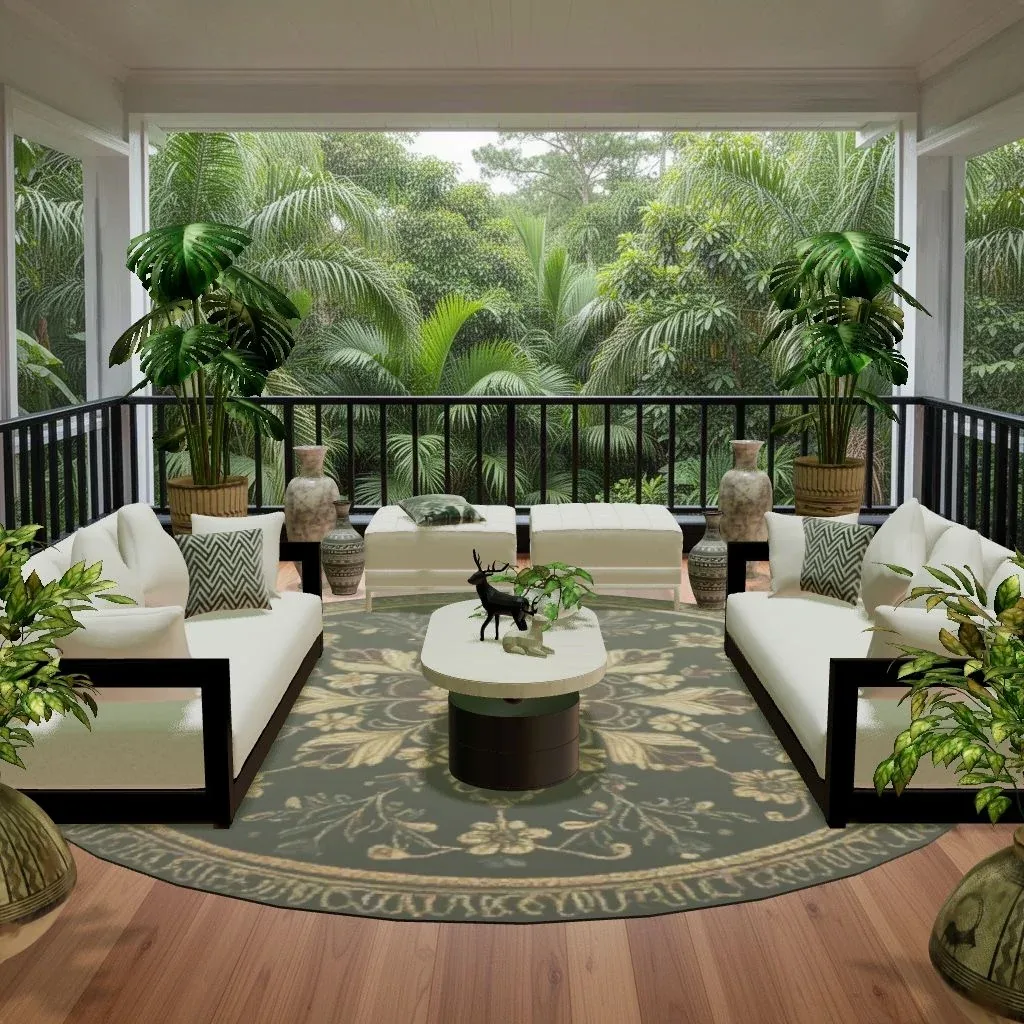
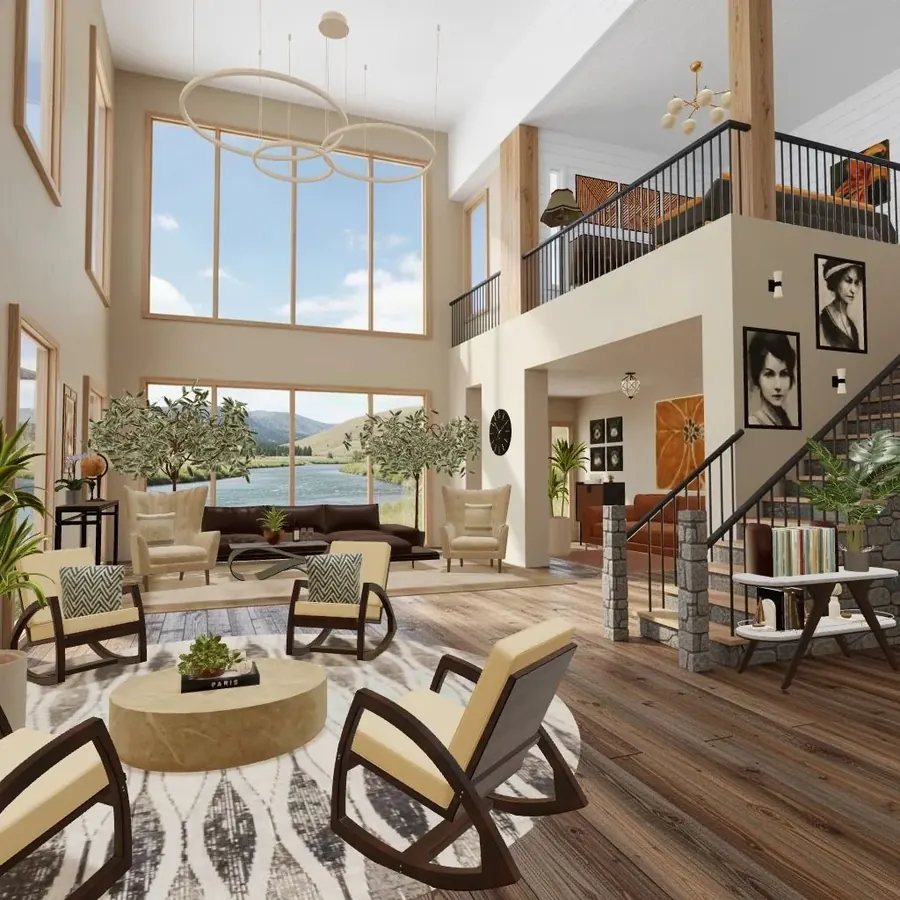
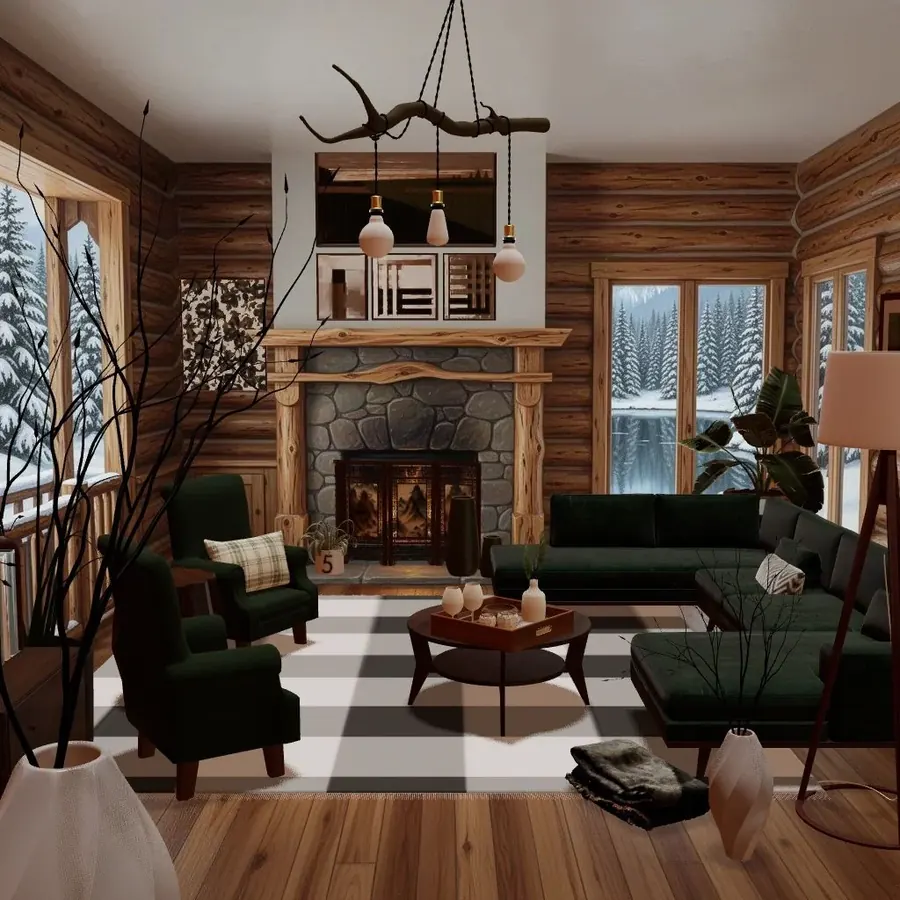
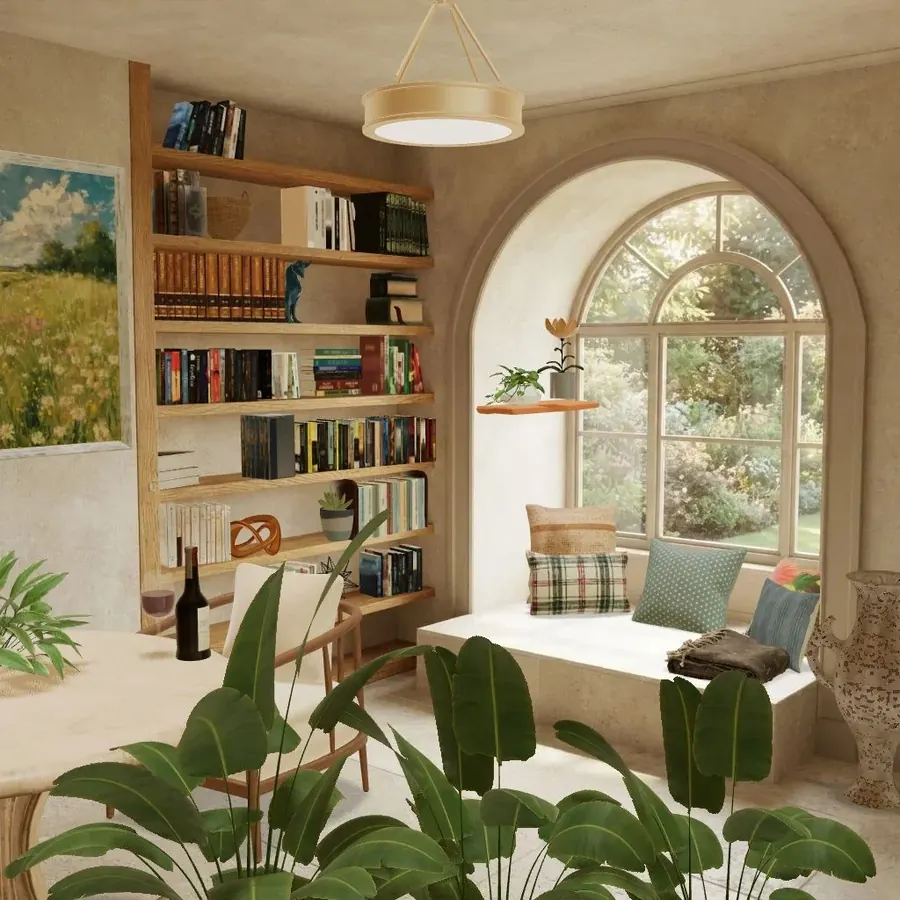
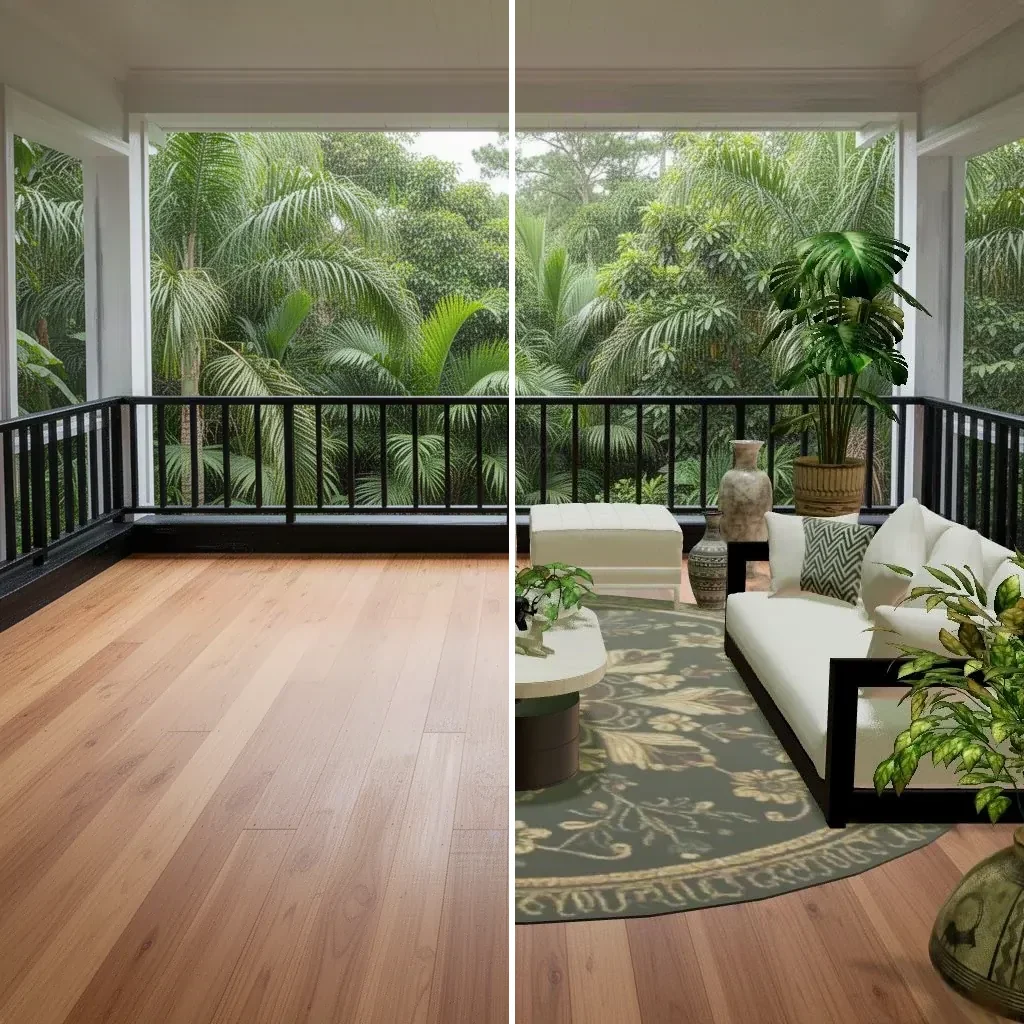
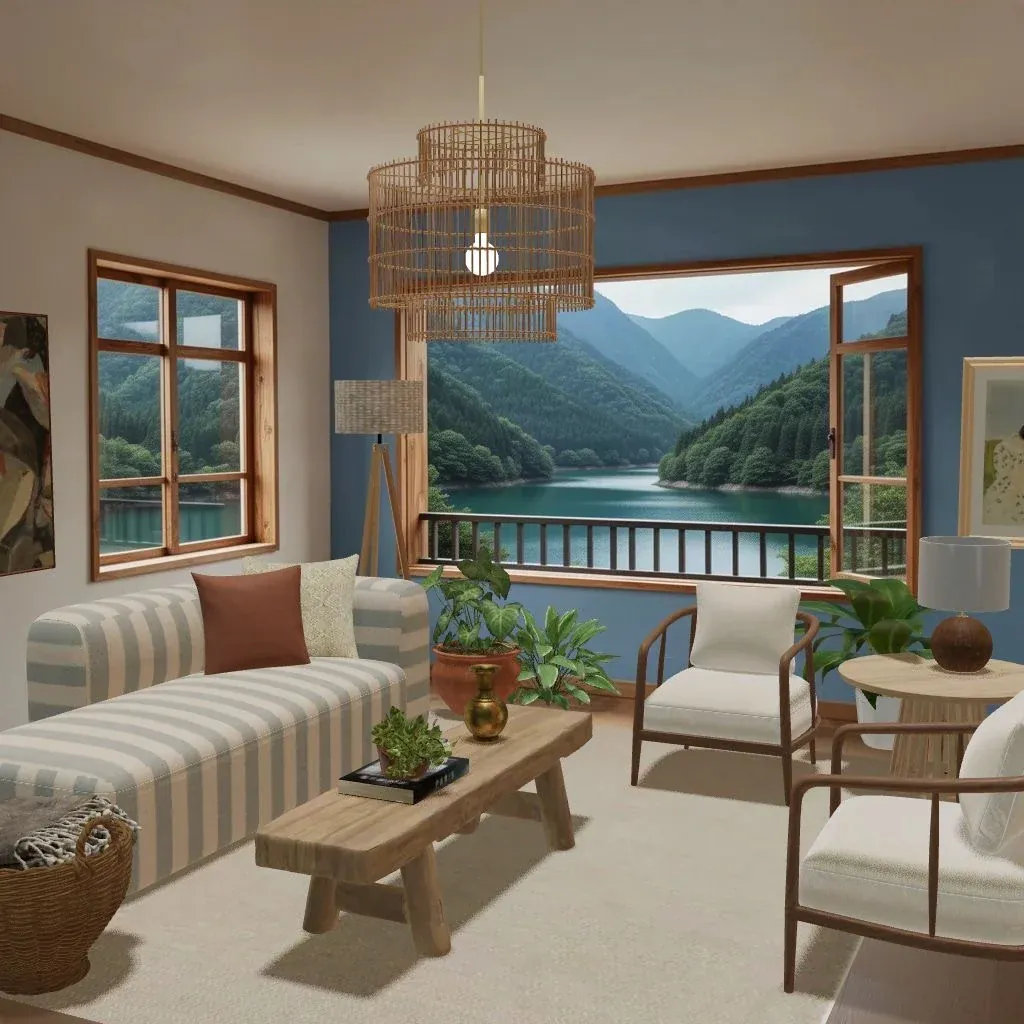
Pick a Space that suits your mood (a lakeside living room, a jungle balcony, a reading nook) and give yourself one rule: no rushing. Place the big pieces first, step back, then add the rug, the lighting and the plants. When it feels finished, submit it, do a voting round or two while you wait, and check back the next day for your medal.
New to the game? The beginner’s guide walks through your first week, and how to furnish an empty room covers the order designers work in.
Questions people ask
Are there decorating games with no timers?
Yes. Sandbox building toys, story-led tidying games, the build modes of PC and console life sims, room planner apps and some room-styling games let you take as long as you like over a room. Check the store page and recent reviews for energy bars, build waits and event countdowns before you download.
What is an energy system in a mobile game?
An energy (or lives) system limits how much you can play in one go. Each action uses some energy, and when it runs out you wait for it to refill over time, or pay to refill it sooner. In decorating games it can stop you placing furniture until the bar fills up again.
Does Cozee have timers?
There are no timers on designing in Cozee: you can open a Space, take as long as you like and submit when you’re happy. Your medal arrives about a day later, because other players need time to rate your design. That wait is for votes, not a countdown on the creative part.
Why do mobile games use timers at all?
Timers pace a game, give players a reason to come back each day, and create moments to sell shortcuts. They aren’t always bad: a daily rhythm suits some people. They become a problem when they block the part of the game you actually came to play.
Try it in an empty room first
Cozee is a free interior design game for iPhone and Android. Pick an empty 3D room, fill it with real furniture, and see what the community thinks.
4.7 on the App Store · Free, with optional in‑app purchases