

On this page 6 sections
Designer Tasks are Cozee’s long-running achievements. They’re grouped into three chapters that follow a designer’s career: The Intern, The Freelancer and Studio Partner. There are two kinds of task. Progress tasks count things you do over time as you play, and creative challenges ask you to make one design under a rule, such as use only glass or gold items. Finish a task and its reward waits in the app until you tap to claim it, along with XP toward your next level. Below is how the chapters fit together, how to get the most from each kind of task, and how to turn a challenge rule into a genuinely good room.
Two kinds of tasks
Progress tasks: things you do anyway
Progress tasks track your play over time. You don’t need to do anything special for them; they fill up as you design, vote and earn medals. Think of them as milestones on the way rather than jobs to grind.
The best way to approach them is to ignore them most of the time. Design the Spaces you like, vote when you have a few minutes, and check the task list now and then to see what’s ready to claim.
Creative challenges: one design, one rule
Creative challenges are the fun part. Each one gives you a constraint for a single design, and you complete it by submitting a room that meets it. A good example is Glass & Gold, which asks you to use only glass or gold items. It’s a good taste of the spirit: a playful rule that forces you to look at the catalog differently. Gallery Wall and Rainbow Minded, two task names shown on the How to play page, are creative challenges too.
The three chapters
The chapters read like a career path, and the How to play page sums it up as growing “from Intern to Studio Partner”.
| Chapter | What it feels like |
|---|---|
| The Intern | Your first steps: getting to know Spaces, the catalog, voting and medals |
| The Freelancer | Finding your style and taking on more varied briefs |
| Studio Partner | The long game, for designers who have been playing a while |
You’ll find the task list in the app, grouped by chapter.
Rewards: claim them, don’t lose track
Completing a task earns a reward and XP. As with everything in Cozee, rewards don’t arrive automatically in your balance; they wait until you tap to claim them, so you never miss one. Two habits help:
- Check the task list after results and level-ups. Those are the moments progress tasks are most likely to tick over, so they’re natural times to look.
- Claim before you shop. If you’re about to buy furniture, claim first. A finished task may cover part of what you want.
Tasks also feed your level. XP from designing, voting, medals and tasks raises it, and each level brings a reward and can unlock new Spaces, furniture and tools. Reaching level 5 unlocks the pro editor tools (resize, tilt, swap, mirror and material options), which give you more ways to make a tricky rule work; see pro tools at level 5.
How to design for a creative challenge
A rule like “only glass or gold” sounds limiting, but constraints are one of the oldest tricks in design. They stop you reaching for the same sofa every time. The risk is a room that obeys the rule and nothing else. These habits keep the room good, not just compliant.
1. Read the rule before you open the catalog
Work out exactly what counts. Does “gold” cover brass and bronze-toned metal? Does a glass-topped table with wooden legs count? It’s frustrating to finish a beautiful room and find one wooden side table breaks the rule. If in doubt, play it safe.
2. Pick a Space that suits the rule
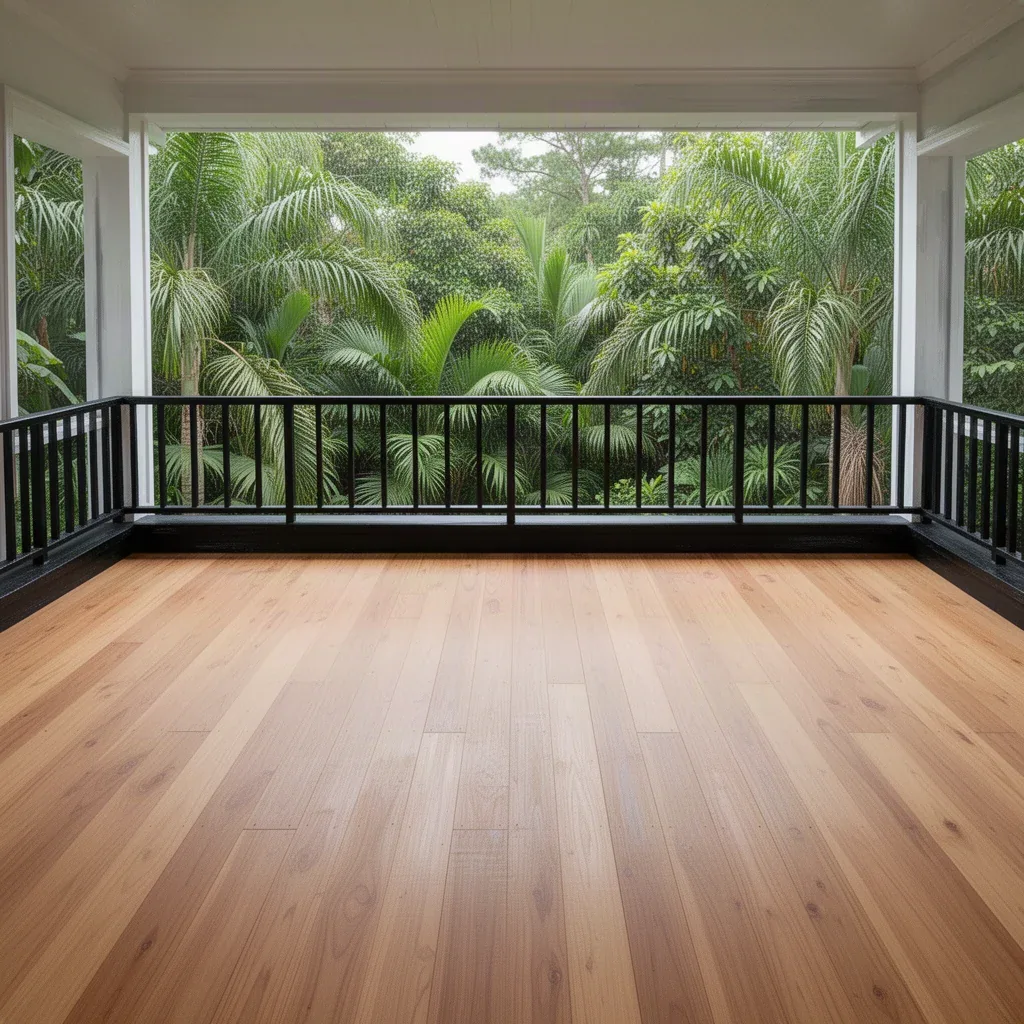
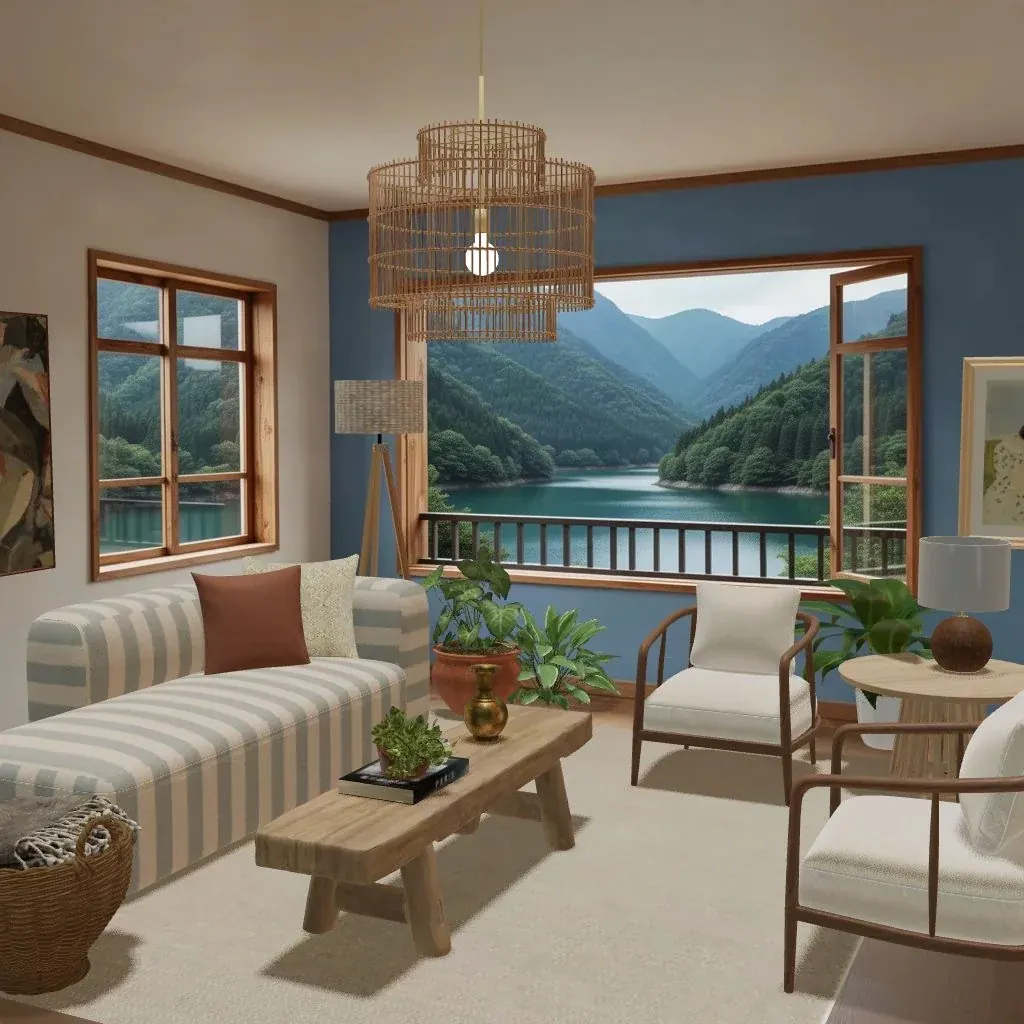
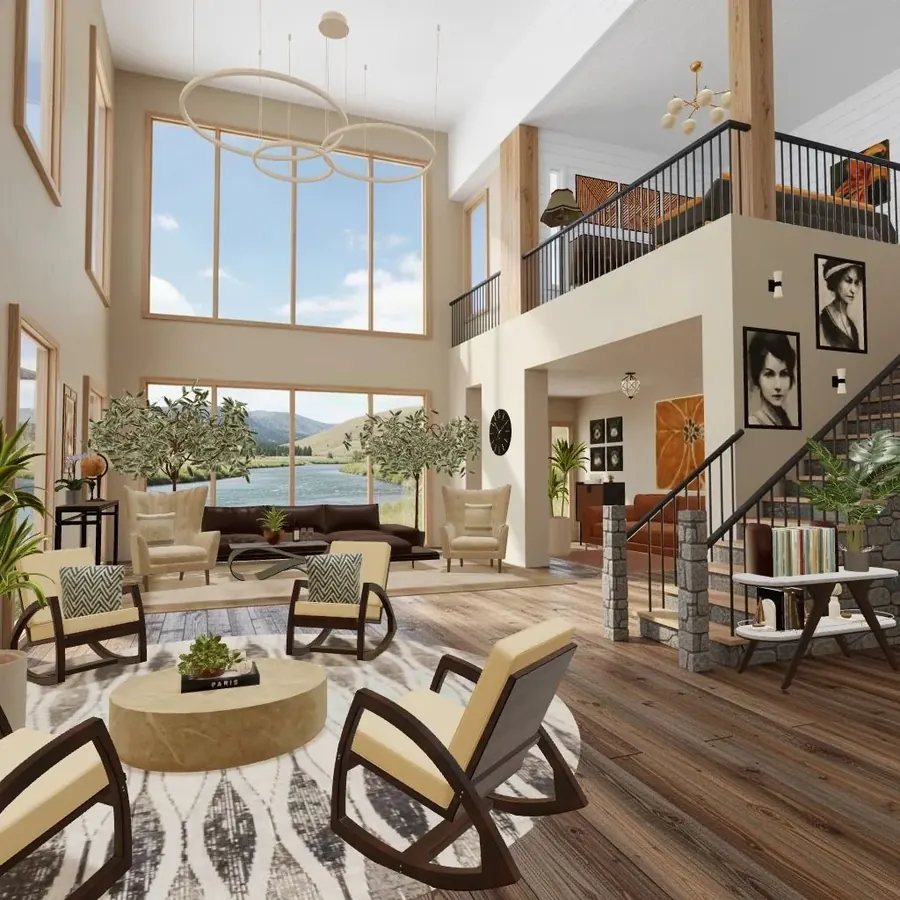
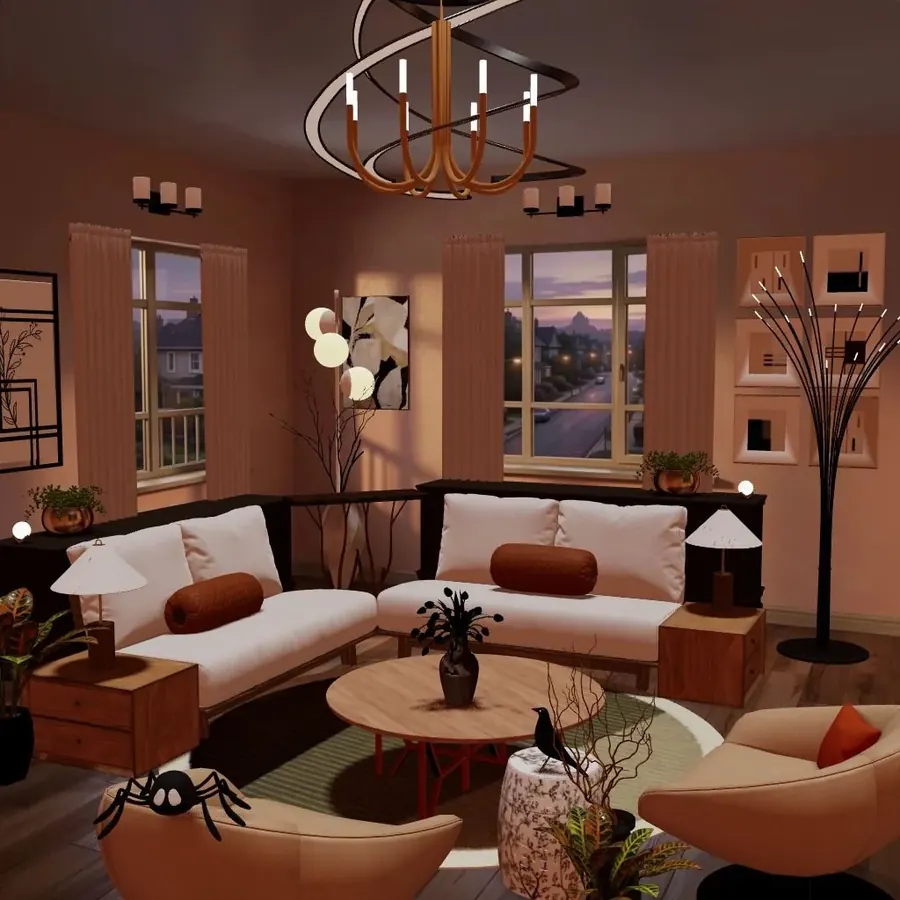
Some rooms make a constraint easy. A glass-and-gold challenge sits naturally in a bright room with big windows, where glass catches the light, or in a dark, glamorous room where gold glows against the walls. A monochrome rule suits a room with a strong view that brings its own color. Choosing the right Space is half the work.
3. Vary size and height within the rule
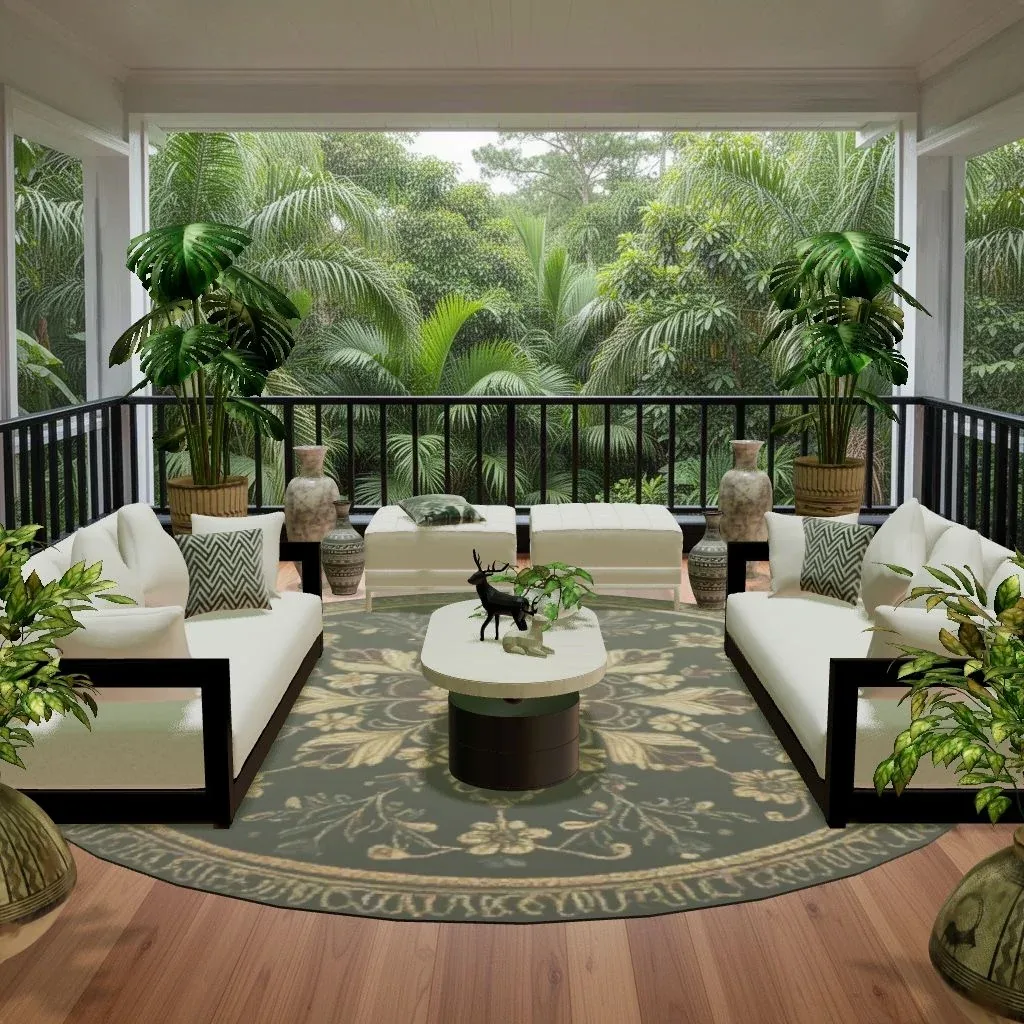
When every piece shares one quality, rooms can look repetitive. Fight that with contrast in scale (one large gold-framed mirror, a medium glass coffee table, small gold side tables), in height (a glass pendant, a low gold tray table, a tall brass floor lamp) and in texture (clear glass, brushed gold, frosted or ribbed glass).
4. Let the walls and floor do some of the work
If the rule limits furniture, use what isn’t covered: a strong rug, art, plants, curtains, lighting. A glass-and-gold room with one big leafy plant and a moody print still feels finished. Our guide to mixing patterns helps when the rug and cushions have to carry more of the room.
5. Still design for the voter
A challenge doesn’t change what makes a room work: a focal point, a tight palette of three or four colors, seating anchored on a rug, and layered light. The checklist in how to win Gold applies just as much here.
6. Check your uses before you submit
Each furniture purchase gives you 5 uses, and a use is spent only when you submit a design that includes the piece. Challenges can push you toward pieces you’d rarely use otherwise, so try them in the room first (it’s free until you submit) and only buy what you’re sure about. More on that in coins, diamonds and Space tokens explained.
Designer Tasks vs. the Design Pass vs. levels
Three progress systems run side by side, and it’s easy to mix them up:
- Designer Tasks: permanent achievements in three chapters. They don’t reset.
- The Design Pass: a monthly track with its own theme that unlocks with your 5th design. It runs on Design Points and has its own special tasks. See the Design Pass, explained.
- Your level: overall progress, raised by XP from designing, voting, medals and tasks.
One good themed design can count toward all three at once, which is a nice reason to read the month’s theme and your open challenges together.
Try it in Cozee
Open your Designer Tasks and find one creative challenge you haven’t tried. Before you touch the catalog, write the rule and your idea in one line: “only glass or gold, a glamorous evening lounge”. Choose a Space that suits it, place the largest piece first, then vary size, height and texture so the rule feels like a style rather than a restriction. Edit out anything that doesn’t fit, submit, and claim the reward when it’s ready.
Still finding your feet? The beginner’s guide covers the whole loop.
Questions people ask
What are Designer Tasks in Cozee?
Designer Tasks are achievements grouped into three chapters: The Intern, The Freelancer and Studio Partner. Some track your progress over time, others are creative challenges you complete with a single design, such as Glass & Gold: using only glass or gold items.
How do I claim a Designer Task reward?
When you complete a task, its reward waits in the app until you tap to claim it, like every reward in Cozee. Completing tasks also earns XP, which helps you level up.
Are Designer Tasks the same as Design Pass tasks?
No. Designer Tasks are permanent achievements in three chapters. The Design Pass is a separate monthly track with its own theme, Design Points and special tasks. A single design can sometimes help with both.
What is an example of a Designer Task challenge?
A creative challenge sets a rule for one design. A real example is Glass & Gold: you design a Space using only glass or gold items, then submit it to complete the task.
Try it in an empty room first
Cozee is a free interior design game for iPhone and Android. Pick an empty 3D room, fill it with real furniture, and see what the community thinks.
4.7 on the App Store · Free, with optional in‑app purchases